


Coming soon! vPlan AI - Driven by people -> Discover more
.svg)


Paper schedules, Excel files or shared calendars create confusion. Tasks get lost, deadlines shift, and you lose overview.
With vPlan, you plan everything in one place. You create structure, keep the work manageable, and make it clear to everyone what needs to be done and when.

How much work can you still take on? Who has availability, and who is already full? Without insight into capacity, it remains guesswork.
vPlan shows exactly who is available and what is achievable. This way, you avoid overload and maintain control over people, resources and deadlines.

Your planning changes daily. It takes a lot of time to adjust, and communication quickly falls behind.
Something shifted in your planning? Update it directly in vPlan and your team is automatically informed.


In this e-book, you will discover a practical approach that helps you work smarter, plan better, and perform more strongly as a team. No theory, but directly applicable insights that allow you to make a difference from today onwards.
Download e-bookRespond directly on tasks, use @mentions, and keep all communication in one place. No more scattered chats or emails.

Log hours worked per task or project and approve them with ease. This way, you stay in control of time and effort.

Work with your entire team in the same up-to-date planning, whether on desktop or in the app. Customise the view to your preference and see changes instantly.

Document all important information. Add files, checklists, or customer details. Everything your team needs is in your planning, all in one place.
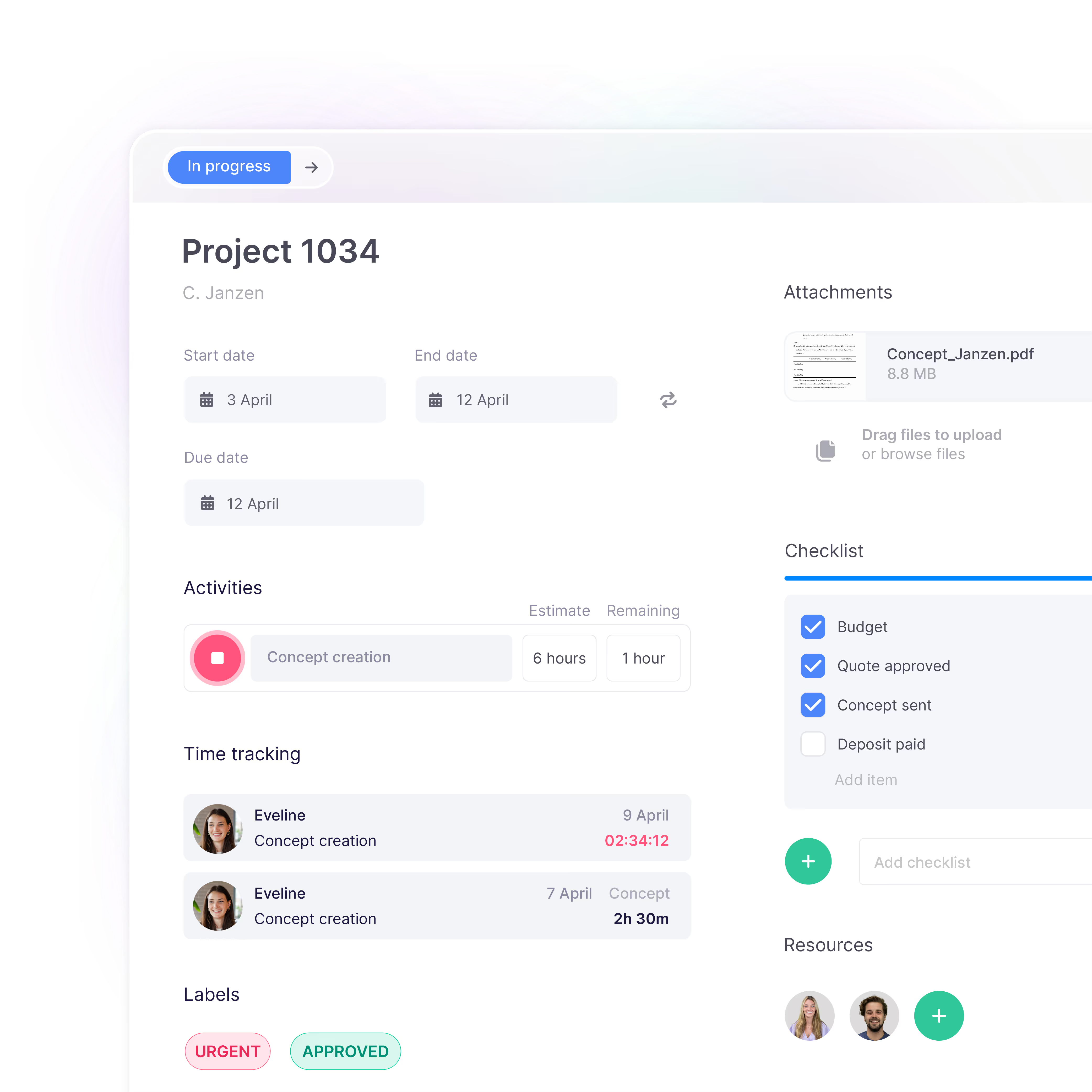
See for yourself how vPlan helps you collaborate more efficiently, save time, and achieve better results. During the demo, you’ll receive practical insights and answers to your questions.

Eén platform dat alles met elkaar verbindt. Schakel over naar een overzicht van al je taken, projecten en workflows met integraties die jouw team op één lijn houden.
Meer informatie ->










Online planning software is a digital tool that allows you to centrally plan tasks, projects and capacity. Instead of seperate Excel files or paper schedules, your entire team works in one shared planning. Changes are immediately visible, ensuring everyone always works with the most up-to-date planning.
Companies choose an online planning tool because it provides more overview, better collaboration and less manual work. Teams can see in real time what needs to be done, who is responsible and when tasks are planned. This prevents miscommunication and helps complete projects on time.
Excel is often used for planning, but is has limitations. An online planning tool offers realtime updates, automatic notifications and insight into capacity. As a result, teams work more efficiently and avoid errors caused by multiple versions of spreadsheets.
With online planning software, you gain insight into the availability of your team. You can see how much work is planned, who still has capacity and where overload may occur. This allow you to plan tasks more realistically and distribute resources more effectively.
Discover more about capacity ->Yes. Modern online planning tools are specifically designed for collaboration between teams. Departments can manage their own planning while all projects and tasks remain centrally visible. This keeps the entire organisation aligned.
Discover more about collaboration ->When choosing an online planning tool, it is important that the software is clear, flexible and easy to use. Look for features such as visual planning, realtime collaboration, capacity management and integrations with other tools.