vPlan AI is in beta -> Sign up now
Looking for an alternative?
See how vPlan handles capacity planning, workflows and integrations differently from Asana, Monday.com, ClickUp and others.



Capacity per person
Your own workflow
Links with your software
Data in the EU

Side by side
Why teams switch
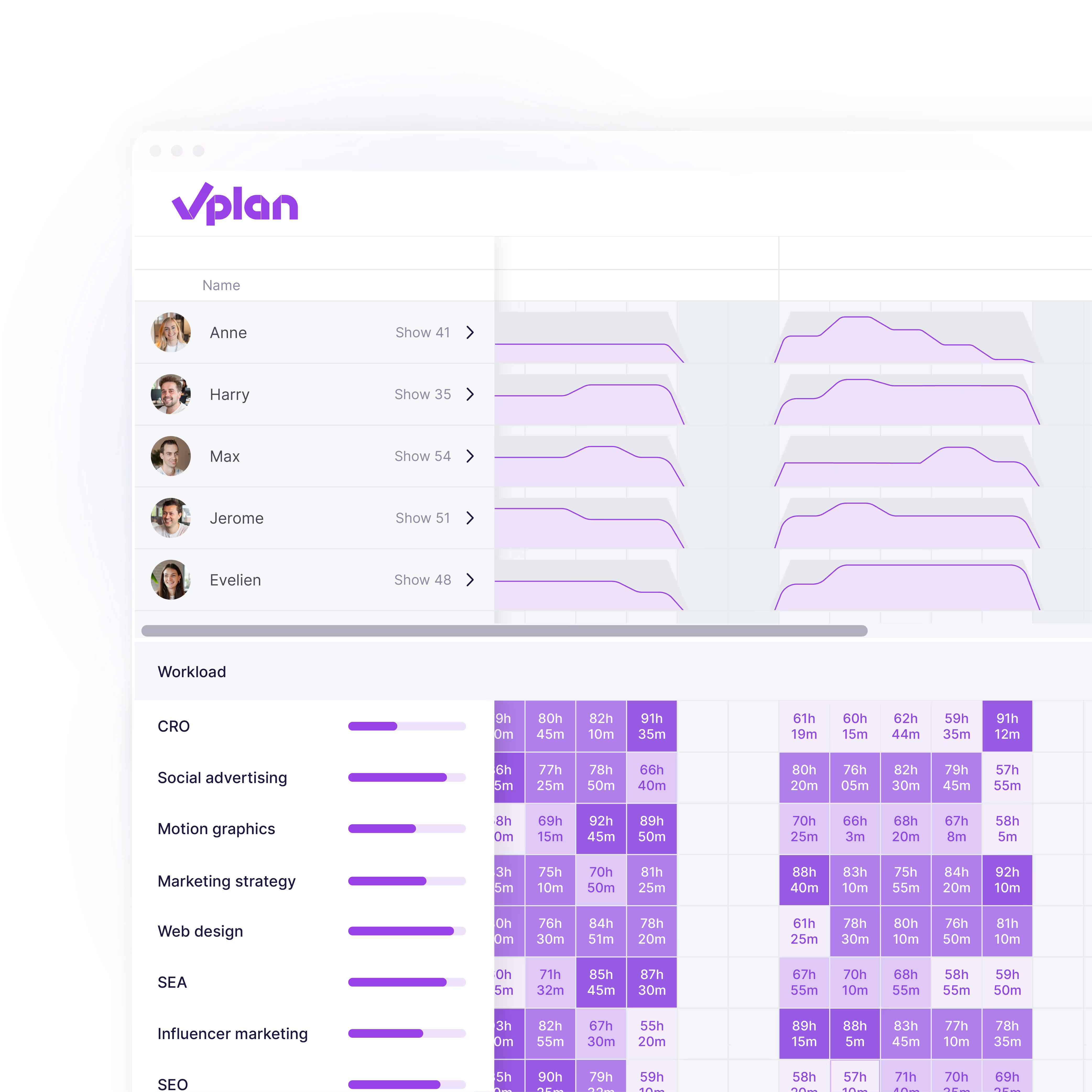
See how much work is already planned, who still has capacity and where bottlenecks are starting to form. While task management tools focus on what needs to be done, vPlan also shows whether your team has the capacity to actually get it done.
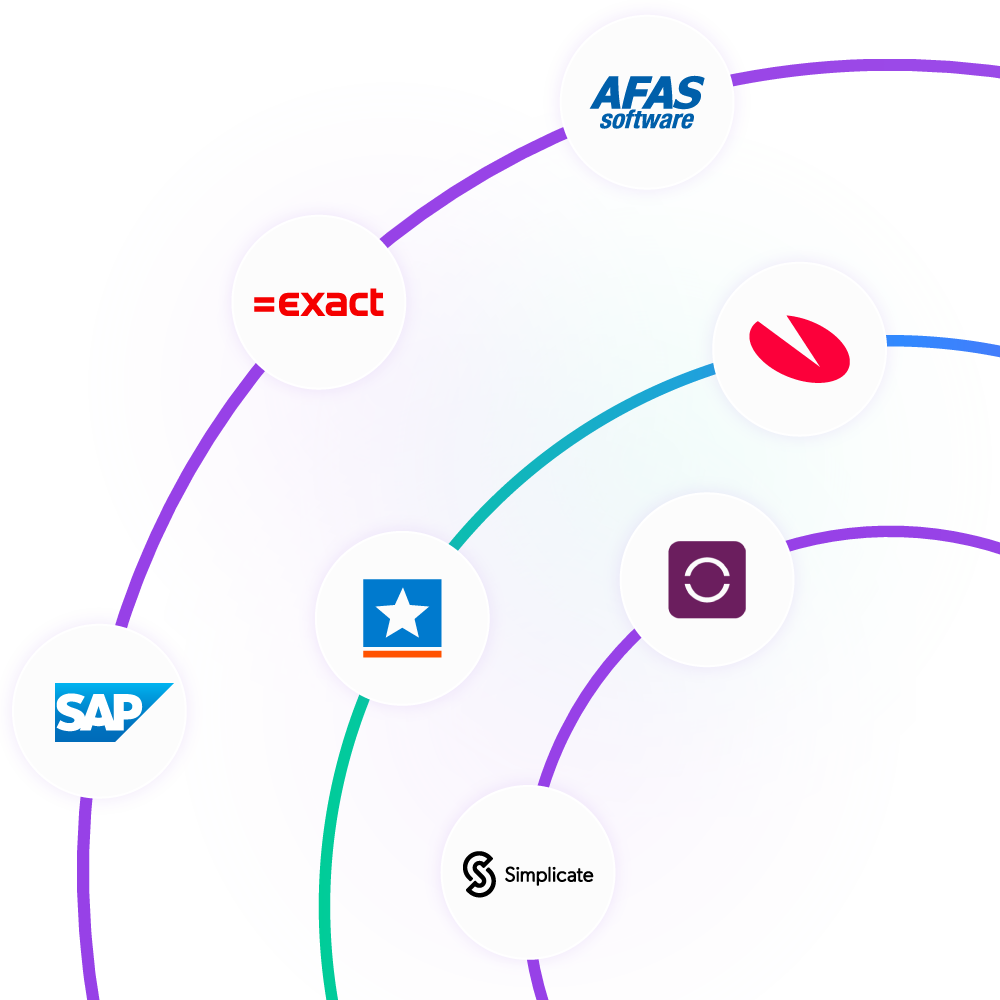
Connect vPlan with the systems you already rely on. Projects, orders and hours sync automatically, keeping information up to date without having to enter it twice. And if you need help, our support team is there for you in your own language.

Go beyond individual tasks and plan the entire process in one place. From scheduling work and assigning resources to tracking execution and progress, vPlan gives you a clear view of what is happening across your organisation.
Security
Where your data is stored matters. vPlan is built for European organisations, with data hosted in Europe to meet their security and compliance needs.
More about securityData is stored and processed within the European Union.
Processing follows the GDPR, with a processing agreement available.
Hosting in ISO 27001-certified data centres.


Planning that works doesn't have to be a challenge. With vPlan, you work smarter, not harder. From simple workflows to real-time collaboration.

This 14-day trial is completely free, vPlan does not ask you to enter any payment details. Of course, you do have the option to choose a package and enter your payment details before the trial expires.
When your trial expires, you no longer have access to the planning boards in vPlan. vPlan automatically links you to the page where you can choose a package and enter your payment details. If you do not have an active subscription for 30 days after the trial expires, all data will be deleted automatically. If you had an active subscription, we will keep the data for 120 days.
With the help of partners, vPlan can be linked to other software packages such as Exact Globe, AFAS, SnelStart, RidderIQ, King and Unit4. vPlan has a standard integration with Exact Online. The price for the Exact Online integration is €50 per month. vPlan is also available on the Zapier platform, which allows you to potentially link with 2,000+ apps.
Resources are schedulable employees, machines or rooms that you link to a planning board. Usually, you use resources in vPlan not only to assign tasks, but also to visualise your schedulable capacity. A resource then also has a schedule. Users are people who have a login account for vPlan. In addition to planners, these could be system administrators, sales staff or external parties. However, a resource can also be a user. If you want your schedulable resources (e.g. employees) to also carry out the planning in vPlan, you give them a login account for vPlan. You can link a login account to a resource, so vPlan knows that the user is also a schedulable resource.
With vPlan, you can start with a 'Getting Started' package. With this we help you on your way to optimally deploy vPlan within your organisation. In addition to Getting Started, vPlan also offers training courses, free webinars and an extensive help centre.
At vPlan, information security is paramount. We adhere to the highest security standards. Want to know more about how we do it? Take a quick look at our privacy and trust centre.
More about security ->With your subscription, you have access to vPlan via the desktop and the app. You also receive unlimited online support, hosting and free updates and developments. Additional costs do apply for a successful implementation, any training and an integration link.