


Coming soon! vPlan AI - Driven by people -> Discover more
Still managing Simplicate projects in Excel or scattered tools? It’s time-consuming, unclear, and hard to keep everyone aligned. With the Simplicate + vPlan integration, your projects flow straight into one central planning board. Easily schedule tasks, set priorities and track progress in real time while keeping full control over planning and execution.
Discover how you can save time, collaborate more effectively, and gain greater control over capacity, progress, and priorities.
Simplicate brings structure to your customer, project, and budget administration. vPlan makes that information practical and visually accessible on the work floor.
Project-driven service providers, from agencies to consultancy-led teams, often face the same challenges: recurring tasks, projects with multiple stages, creative or technical workflows involving various roles, and a constantly shifting workload. vPlan is designed to handle exactly this kind of complexity.
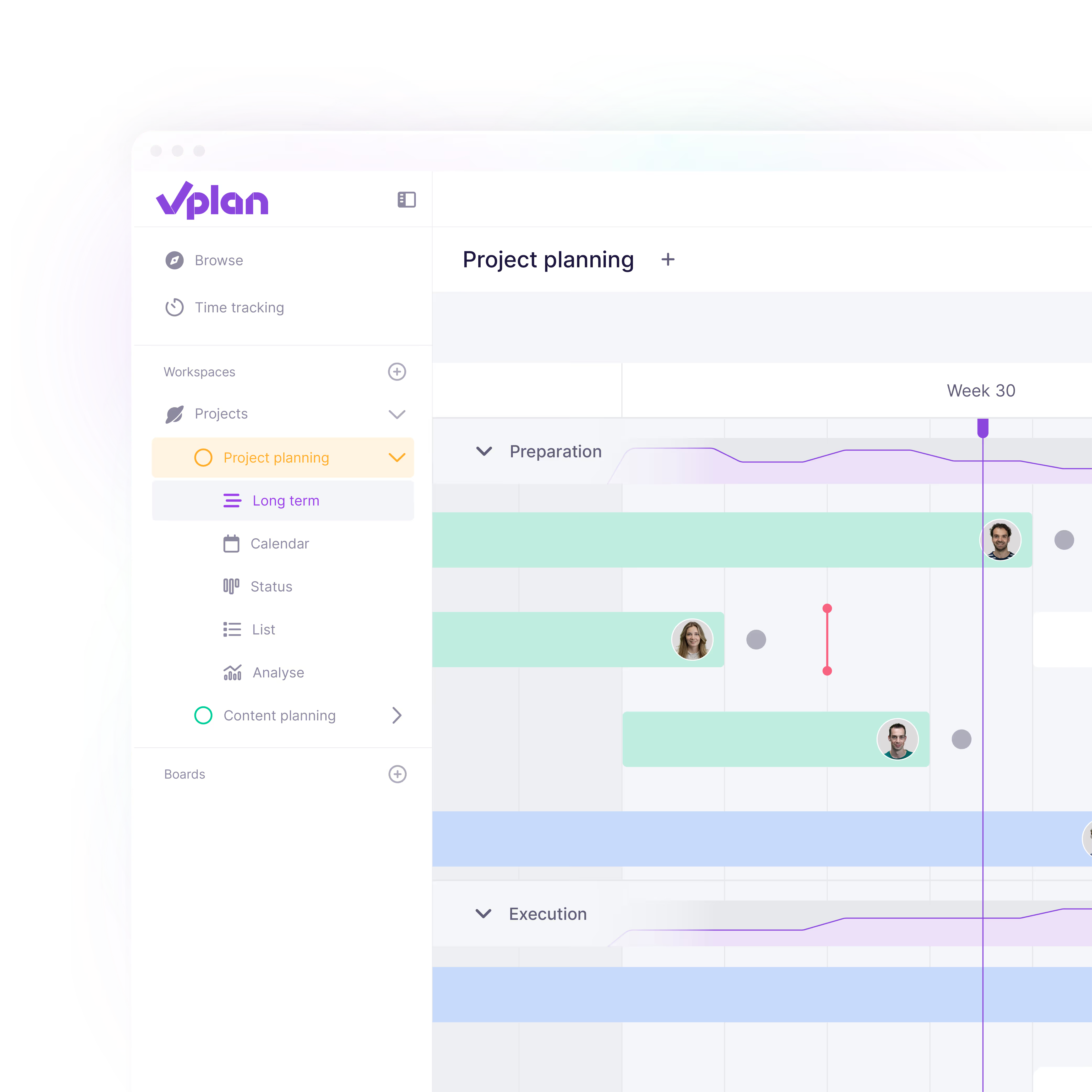
Many organisations juggle parallel projects, ad-hoc requests, and dependencies between different disciplines. vPlan brings clarity to that dynamic with a visual planning board that instantly shows what needs to happen, and when.
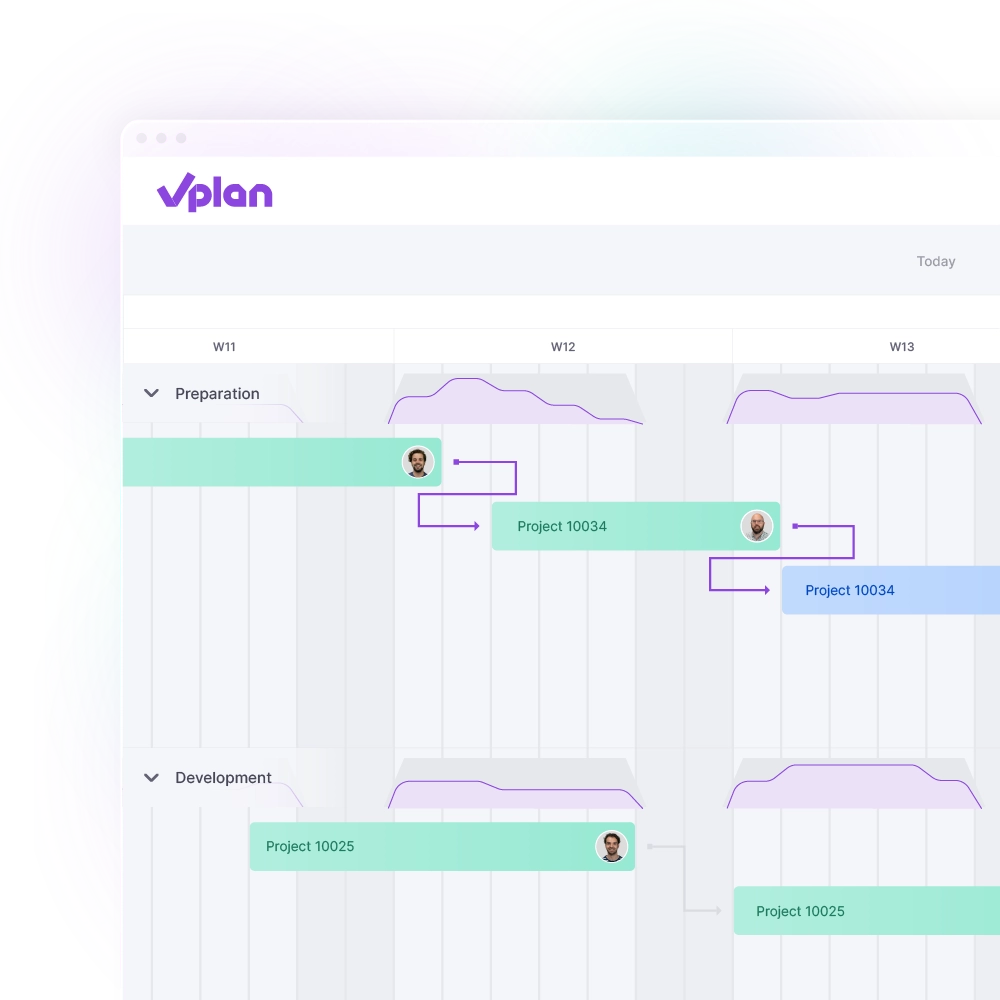
Your project team is busy, but what are they actually working on? And how is the project progressing? With vPlan, you get a clear view of who is available, when, and for which tasks. You’ll instantly see which deadlines are realistic and where bottlenecks are emerging.
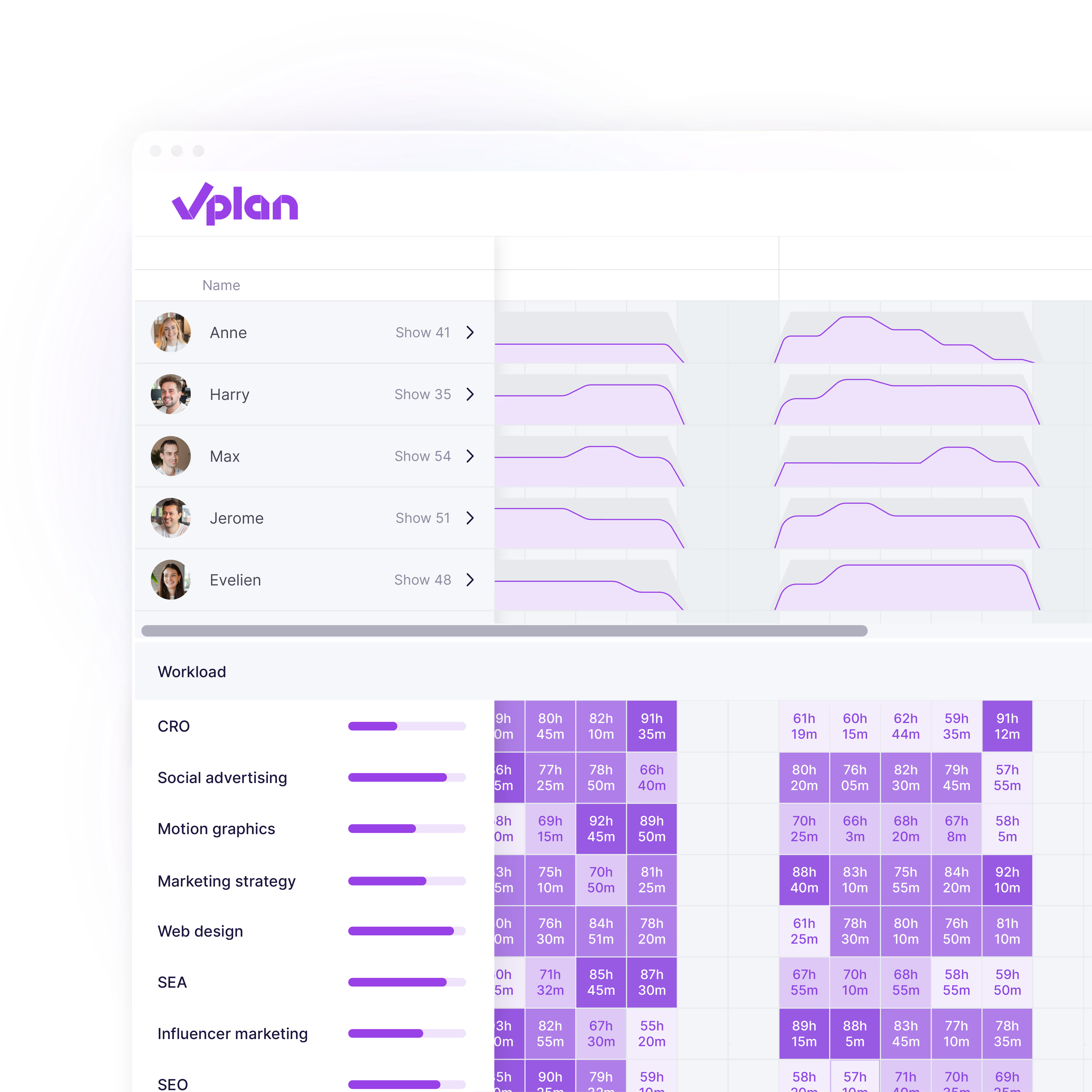
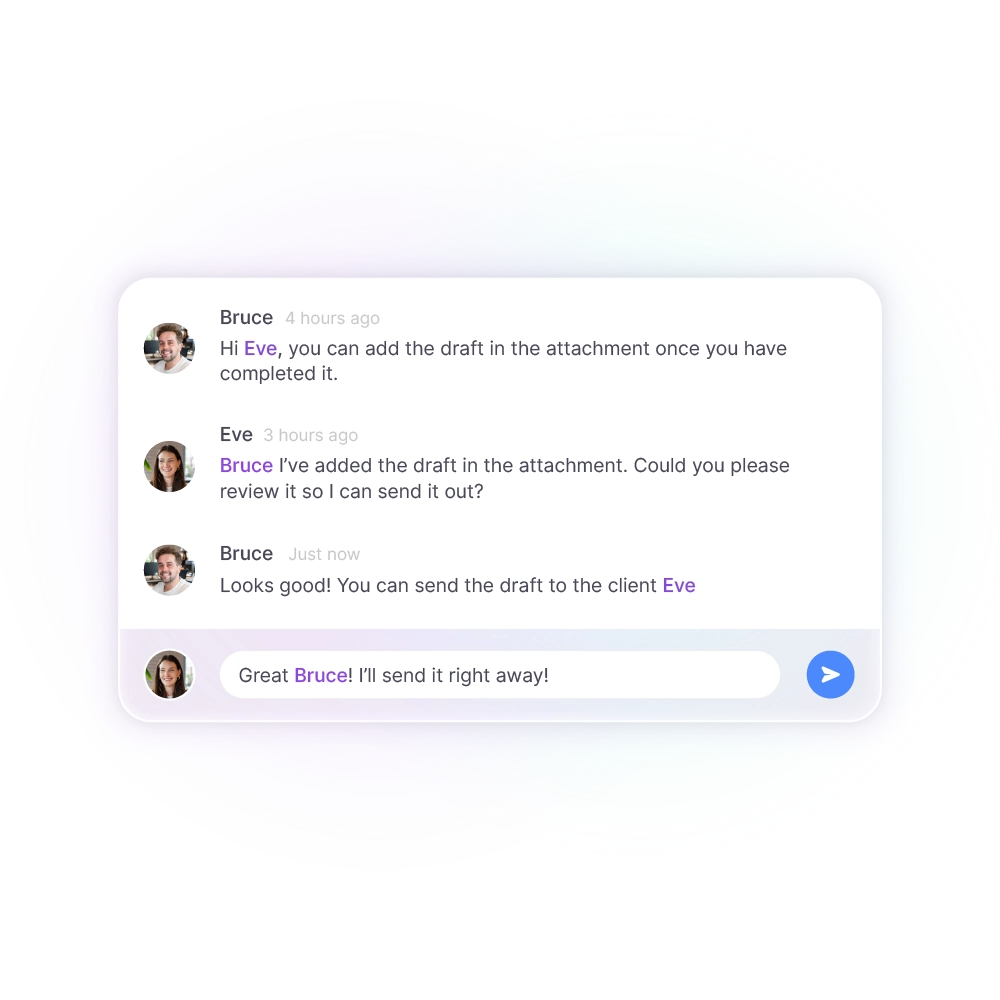
No more scattered spreadsheets, tools or emails. With vPlan, you bring planning, communication, and execution together in one central platform. Teams know exactly what to do, when, and with whom. Managers gain real-time insight into the schedule and instantly see the impact on deadlines, workload, and profitability.
Curious how to streamline your project administration and planning? We’d love to think along with you. In a personal meeting, we’ll take a closer look at your processes, needs, and goals. Together, we’ll explore how vPlan and Simplicate help you gain more control over your projects and capacity.

Projects and services from Simplicate are automatically synchronised with vPlan. There’s no need to copy anything or manually update your planning twice. Everything is ready to start planning straight away.
From Simplicate, we synchronise projects including the customer, service, and underlying hour types into vPlan. Employees are also included, along with their schedules and leave or absence data. This gives you immediate insight into available capacity. Registering hours in vPlan? These are automatically written back to Simplicate. If you work with subscriptions or sales services, these are also taken into account. In short: everything you need to stay in control and plan with ease.
Simplicate is great for administration, CRM, and project management. But if your planning still lives in Excel or separate tools, it’s easy to lose oversight. vPlan adds a smart, visual planning tool that helps you make better use of your capacity and provides real-time insights. You can plan and assign tasks, stay on top of progress and status, and collaborate with your entire team in one central platform. Less searching, more control.
Not at all. Our consultants will help you configure the integration and make the right choices together with you. Good to know: the integration is free of charge, making it even more attractive to get started.
You can contact us, of course! We’re happy to think along with you. Whether you’re already using Simplicate or just getting started, we’ll look at your needs and provide tailored advice. If you’d like, we can put you in touch with Simplicate or give you a hands-on look at how the integration works.