


vPlan AI is in beta -> Sign up now
Are you organizing an event? With the new event planning feature in vPlan, you keep everything in one place. You plan tasks, divide the work, and instantly see who is doing what. You also easily add deadlines and important milestones to your overview.
No more losing track with seperate lists or different apps. Your team knows exactly what needs to be done and when. That gives you peace of mind, clear overview, and ensures your event is perfectly organized.

.svg)


.svg)

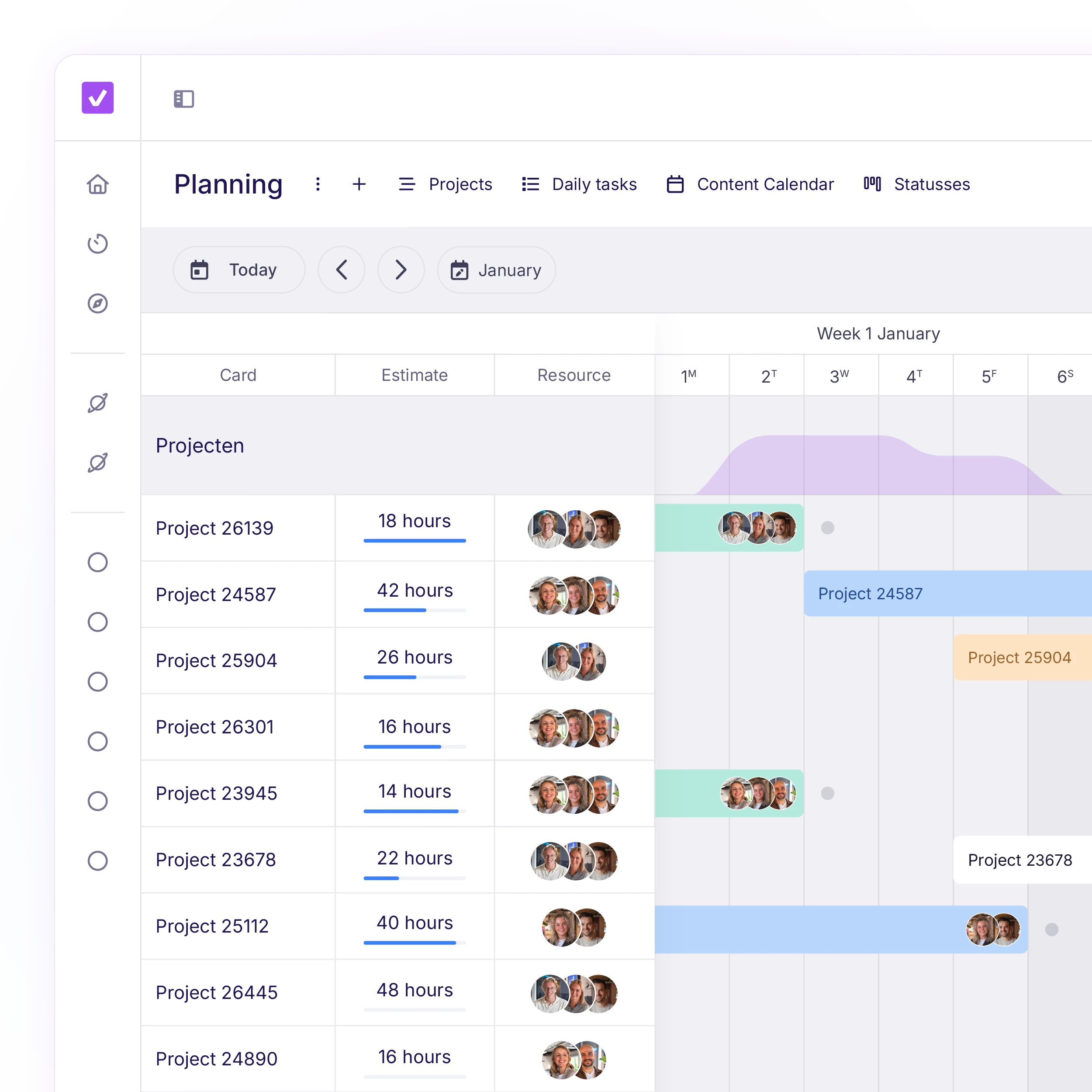
With vPlan, you can easily create a detailed run sheet for each event, divided into clear sections or components. Assign tasks to teams or suppliers, set dependencies, and instantly see what happens when something shifts.
No more scattered tools or endless lists. Just one central workflow and schedule for your entire team.

Whether you're organising a festival or running a trade show: you want to know in advance which tasks need to happen when, and how everything comes together.
With vPlan, you work from one central run sheet where preparation, deadlines and scheduling are clearly structured in one place. This gives you instant insight into what's still outstanding and where to focus. So your team is fully prepared when build-up begins.
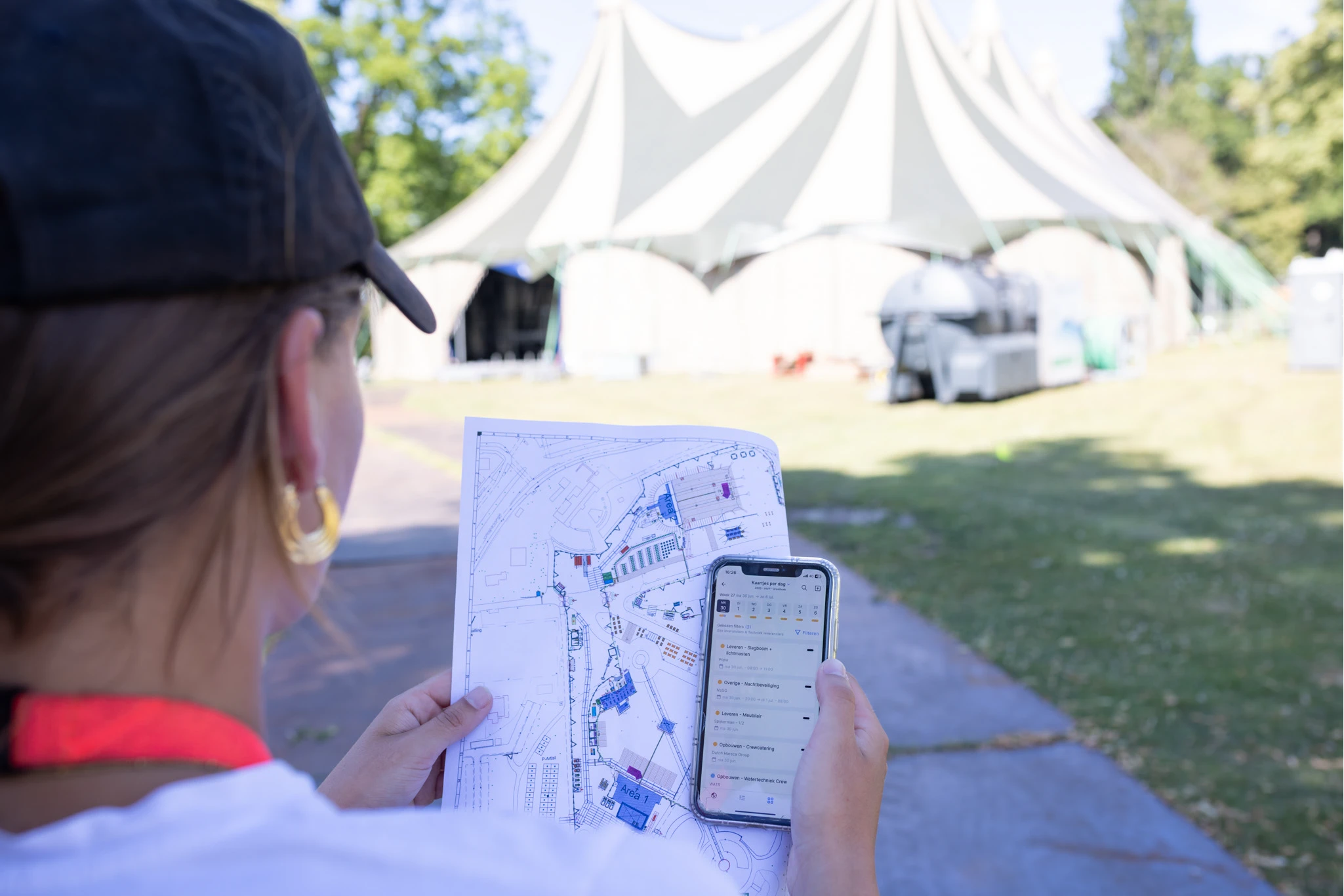
Build-up and show days require calm and clarity. With vPlan, everyone has exactly the same information they need through one clear, easy-to-use app. No constant phone calls, no scattered briefings, just knowing what needs to happen, where and when.
You can track progress and update statuses directly from your laptop, without having to check everything yourself on-site.
Communication quickly becomes fragmented: feedback via Slack, files in Drive, deadlines in Excel, updates in Teams. The result: noise, delays and duplicated work.
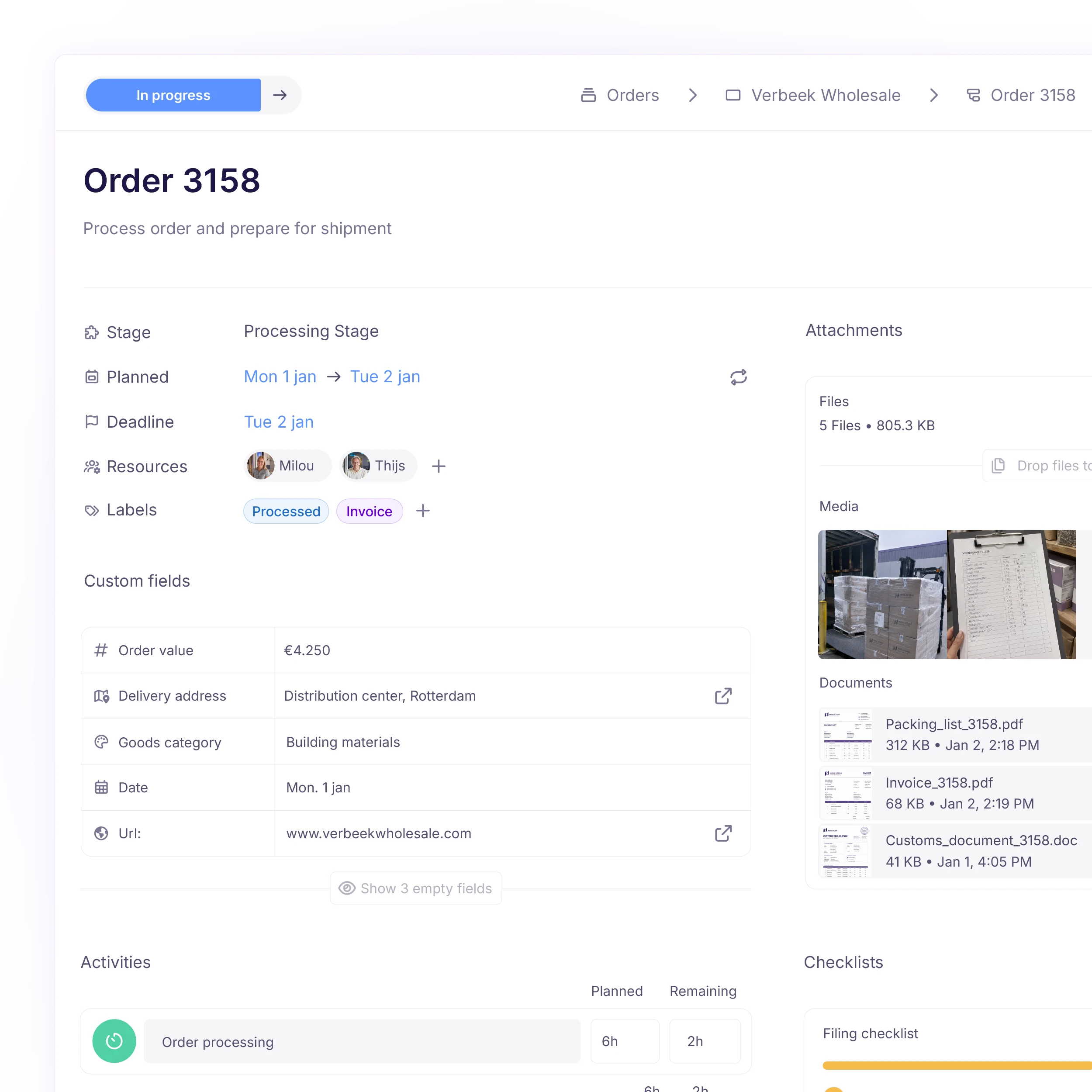
With vPlan you collaborate in one environment. Tasks, files, feedback and versions are stored directly in the right place. Everyone works with the same information, and you notice that in speed and clarity.
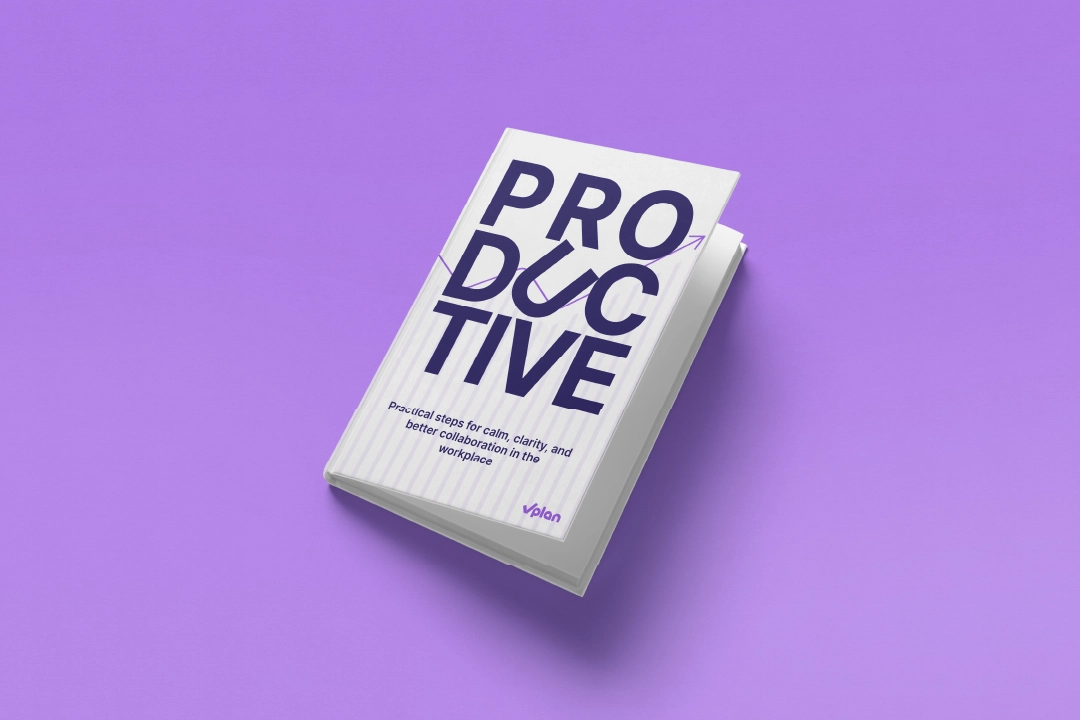
In this e-book, you will discover a practical approach that helps you work smarter, plan better, and perform more strongly as a team. No theory, but directly applicable insights that allow you to make a difference from today onwards.
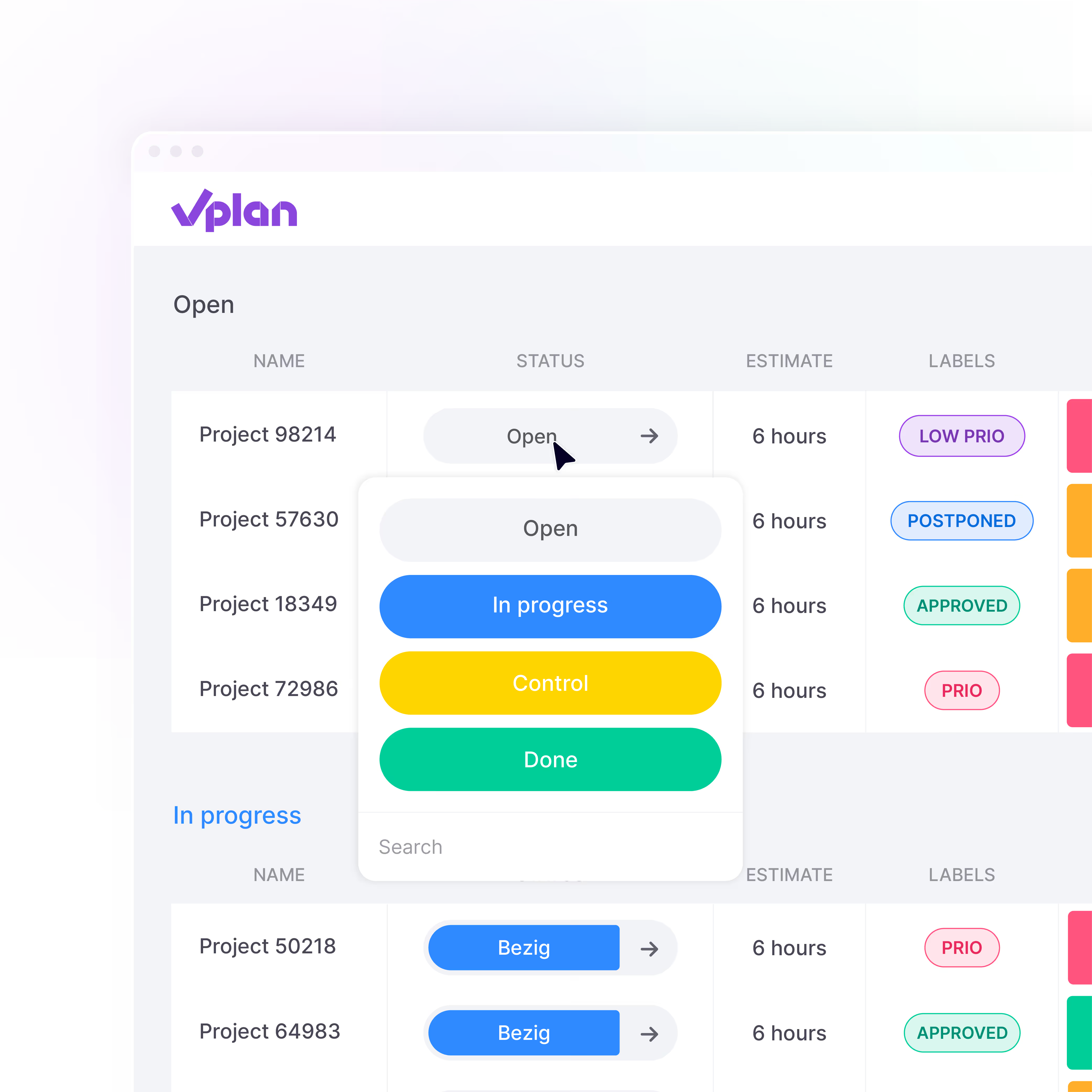
Download e-bookRespond directly on tasks, use @mentions, and keep all communication in one place. No more scattered chats or emails.

Log hours worked per task or project and approve them with ease. This way, you stay in control of time and effort.

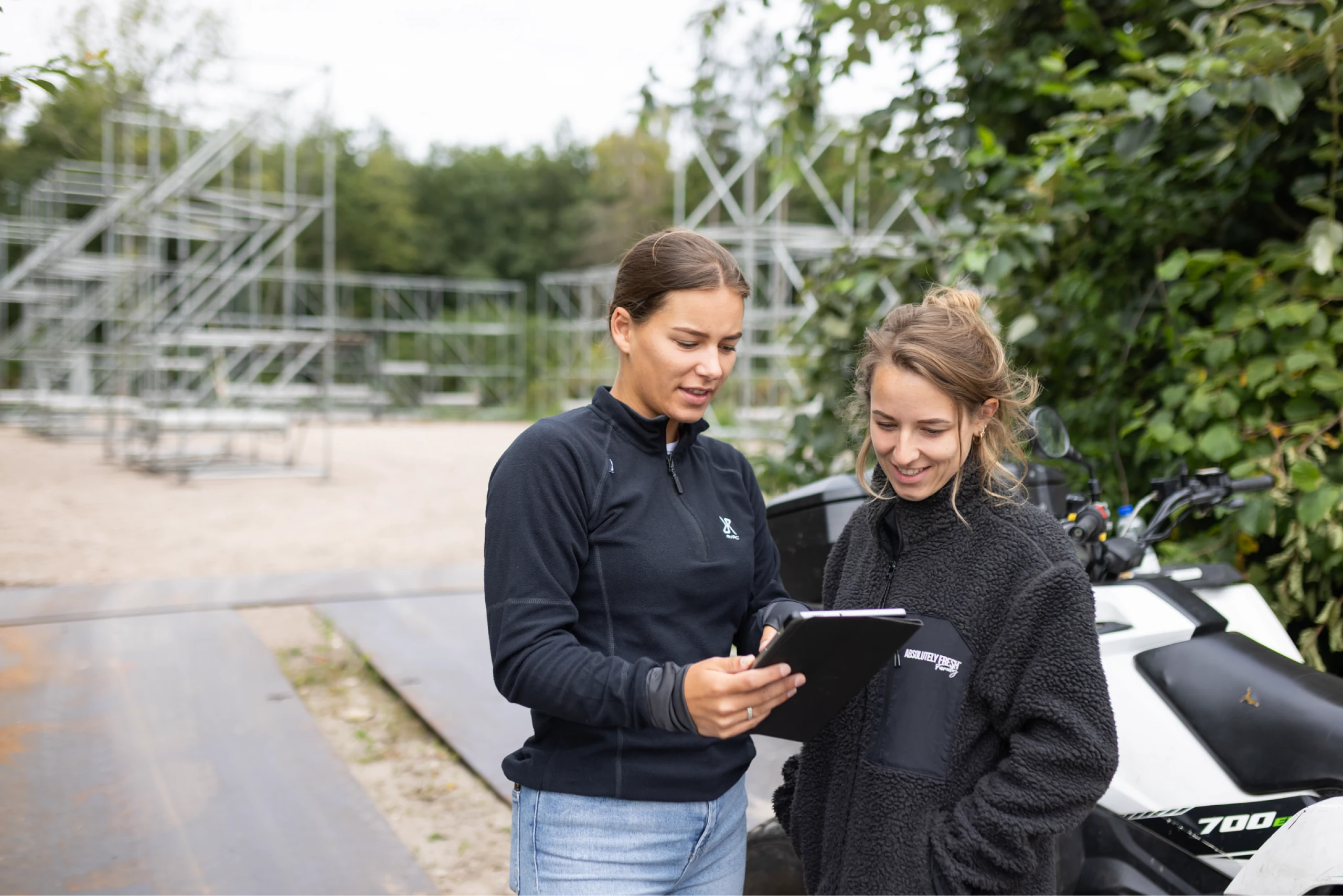
Via tablet, PC or app, employees can see what they need to do and where they are in the process.
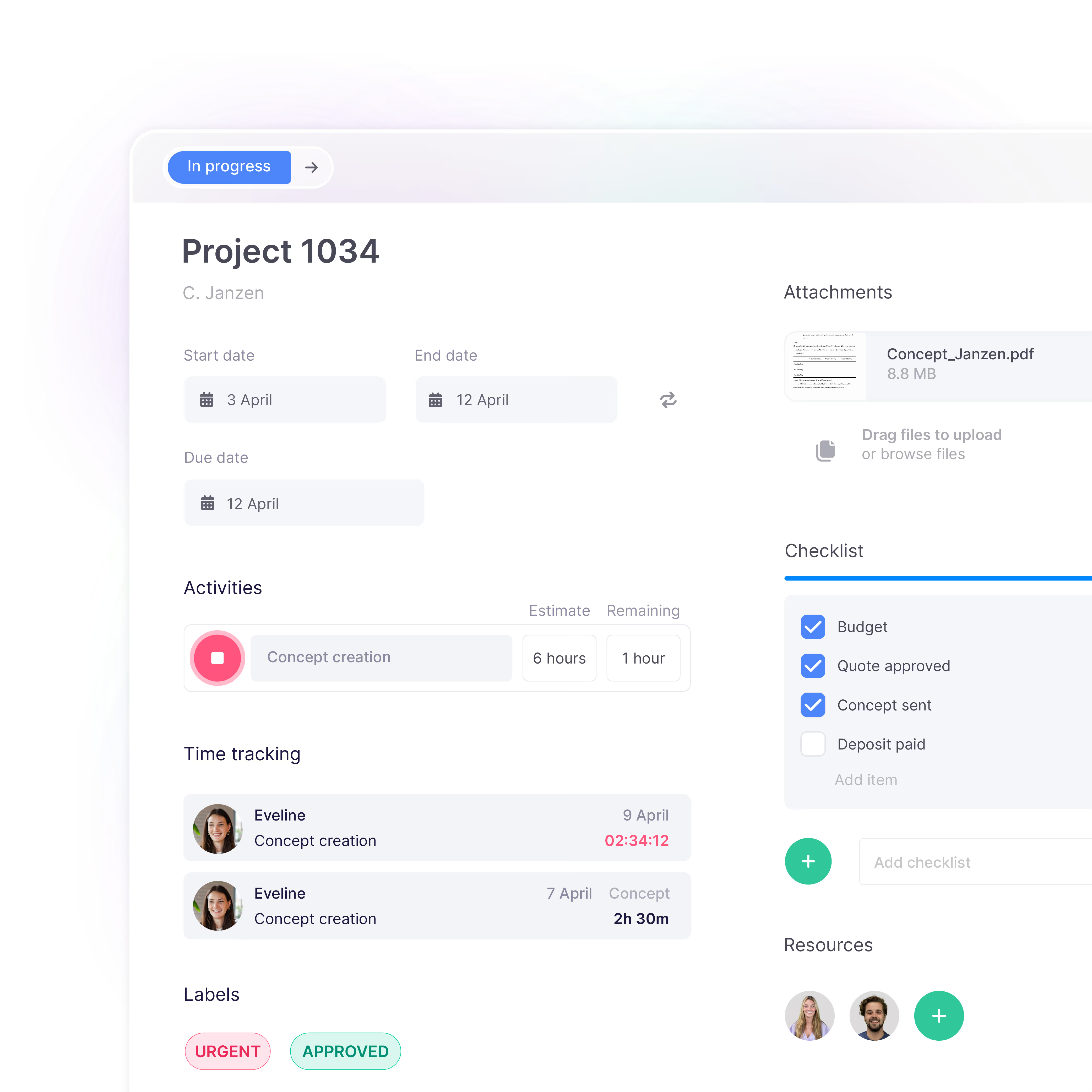
Document all important information. Add files, checklists, or customer details. Everything your team needs is in your planning, all in one place.
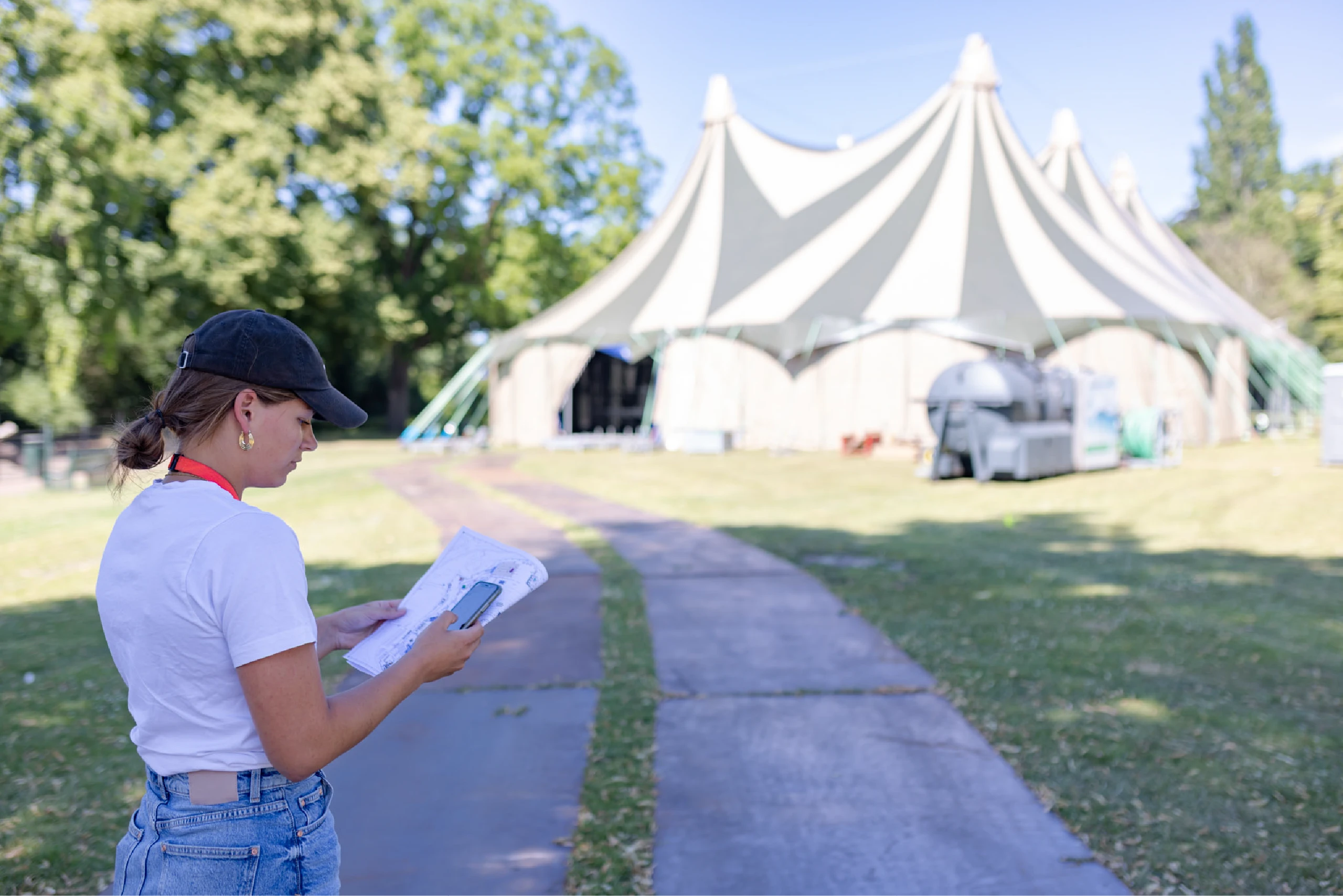
What started as a hobby has grown into one of the country's leading festival organisers, Absolutely Fresh. Based in Enschede, the team brings together over 200,000 visitors every year at major events. With vPlan, the team stays in control, even remotely, with suppliers, colleagues, and project managers collaborating live in one central plan.

See for yourself how vPlan helps you collaborate more efficiently, save time, and achieve better results. During the demo, you’ll receive practical insights and answers to your questions.
For practical tips, step-by-step guidance, and common challenges in event planning, read our inspiration blog: 10 steps for successful event planning
Yes, you can easily duplicate and reuse planning boards. The board settings are automatically copied into your new run sheet. For each task, you create a new card so you know exactly what has been done and you don't miss a thing.
In vPlan, you move tasks with drag & drop and set dependencies. When you make a change, everything connected to it shifts automatically, and everyone instantly sees what has changed. This keeps your overview clear, even when times or suppliers change.
Yes, with the mobile app, crew, suppliers, and planners have real-time access to their tasks, status updates, and checklists. This helps you work as one team on the floor with less calling and less confusion.
vPlan shows capacity per team, freelancer, or supplier across days, weeks, or months. You see exactly when there is room for new projects and avoid overpromising on new requests.
Yes, vPlan works together with tools such as CRM, HR systems, and financial software. This prevents duplicate work and keeps your data up-to-date across your planning.