

vPlan AI is in beta -> Sign up now
Work with scattered tools, shared drives and ad-hoc feedback? Then your project can stall faster than you'd like. With vPlan, you stay in control. From initial briefing to final delivery, you and your team work from one central place. No more endless emails or lost files, just clarity, structure and peace of mind in your workflow.
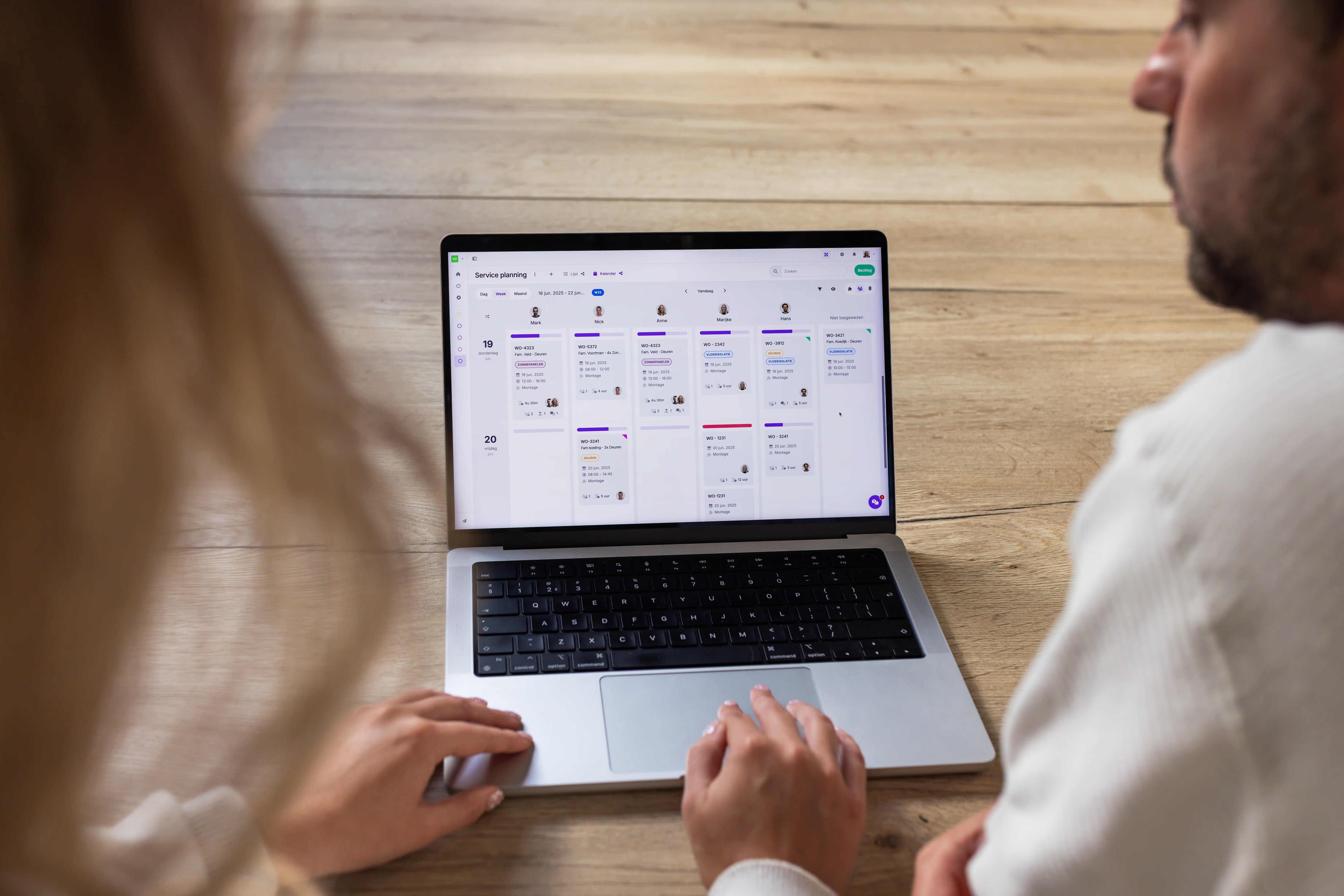
With vPlan, you break projects down into clear, manageable phases. From briefing and feedback to final delivery. Assign tasks to designers, developers or external partners, with clear deadlines. By linking dependencies, you can immediately see the impact of any change.
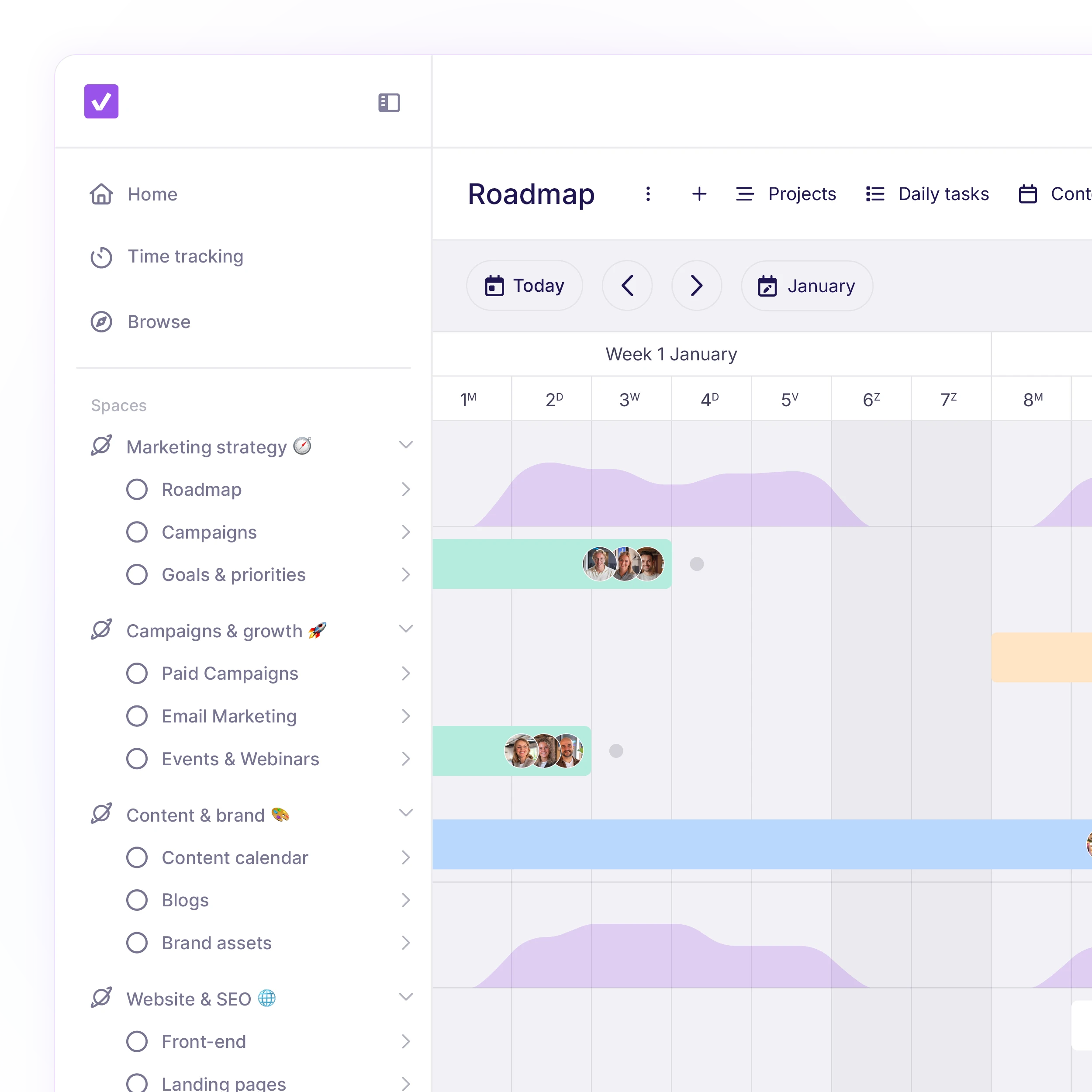
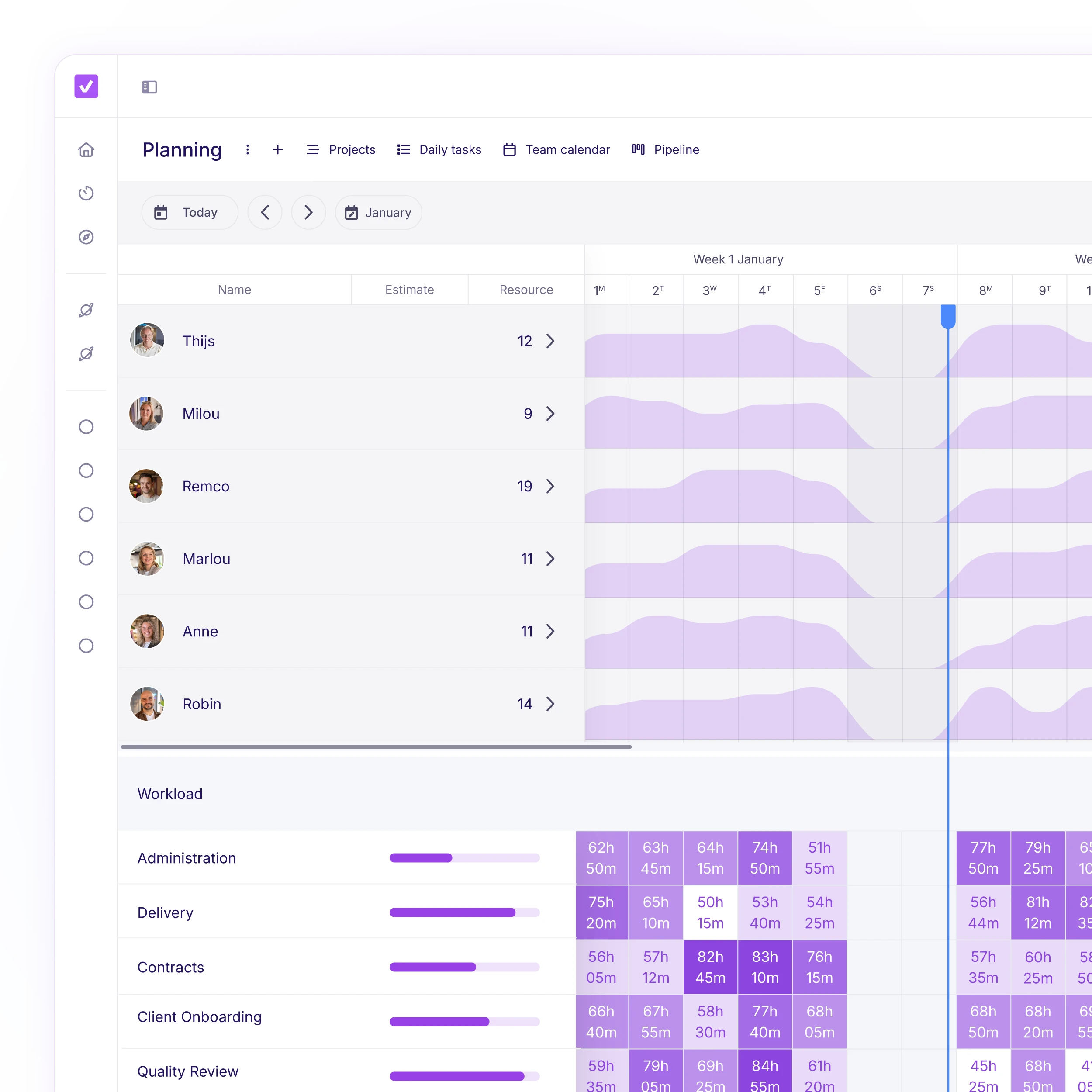
Whether you're running a single brand campaign or managing multiple productions at once, vPlan gives you instant visibility into what's happening, who's working on what, and where there's capacity available. No more guesswork, just planning based on real data. Ideal for urgent requests or new incoming work.
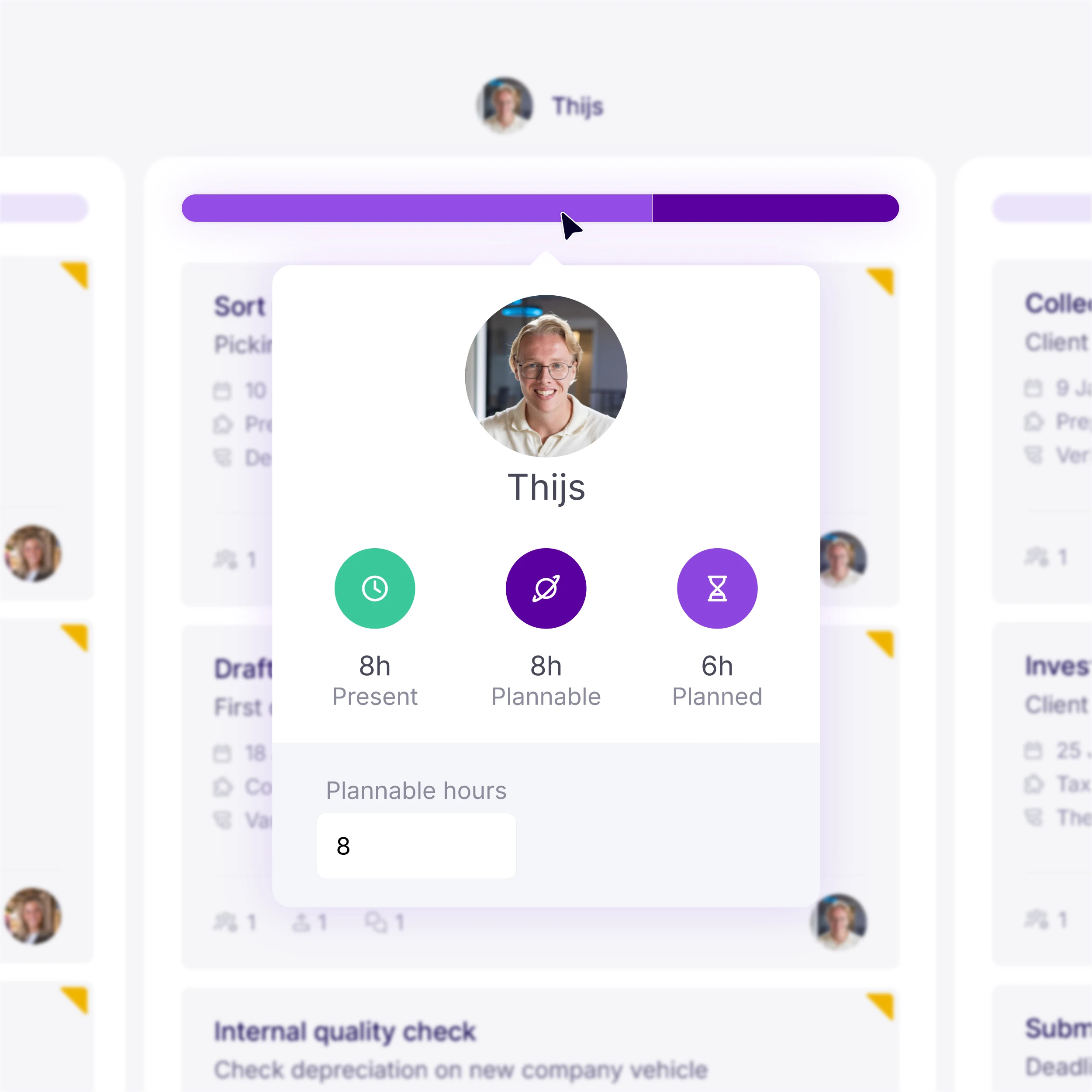
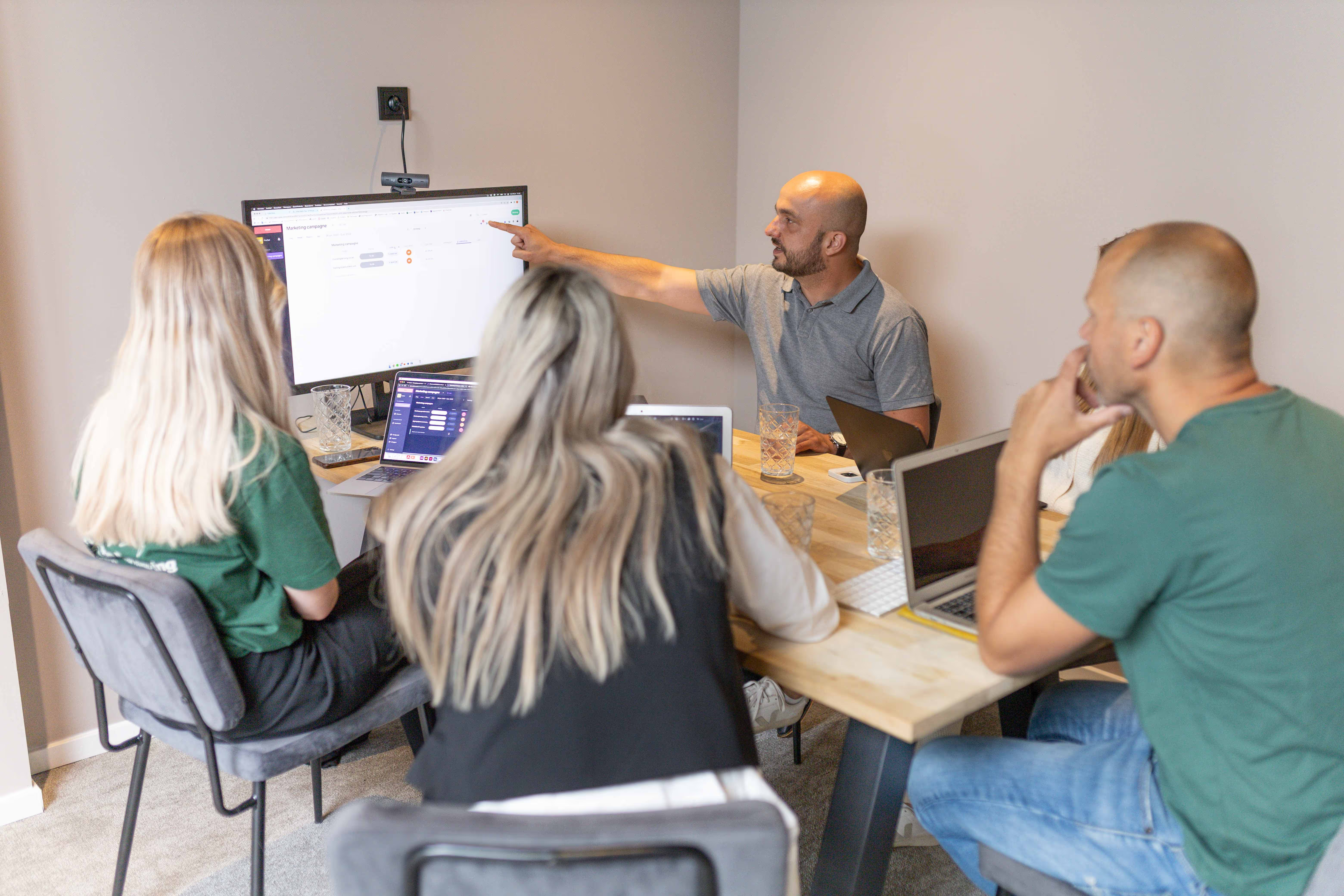
Whether you're managing the work or fully involved in production yourself, vPlan gives you full control over your team's workload. You automatically receive notifications when deadlines are at risk, provide feedback at the right moment and keep everything organised in one central hub.
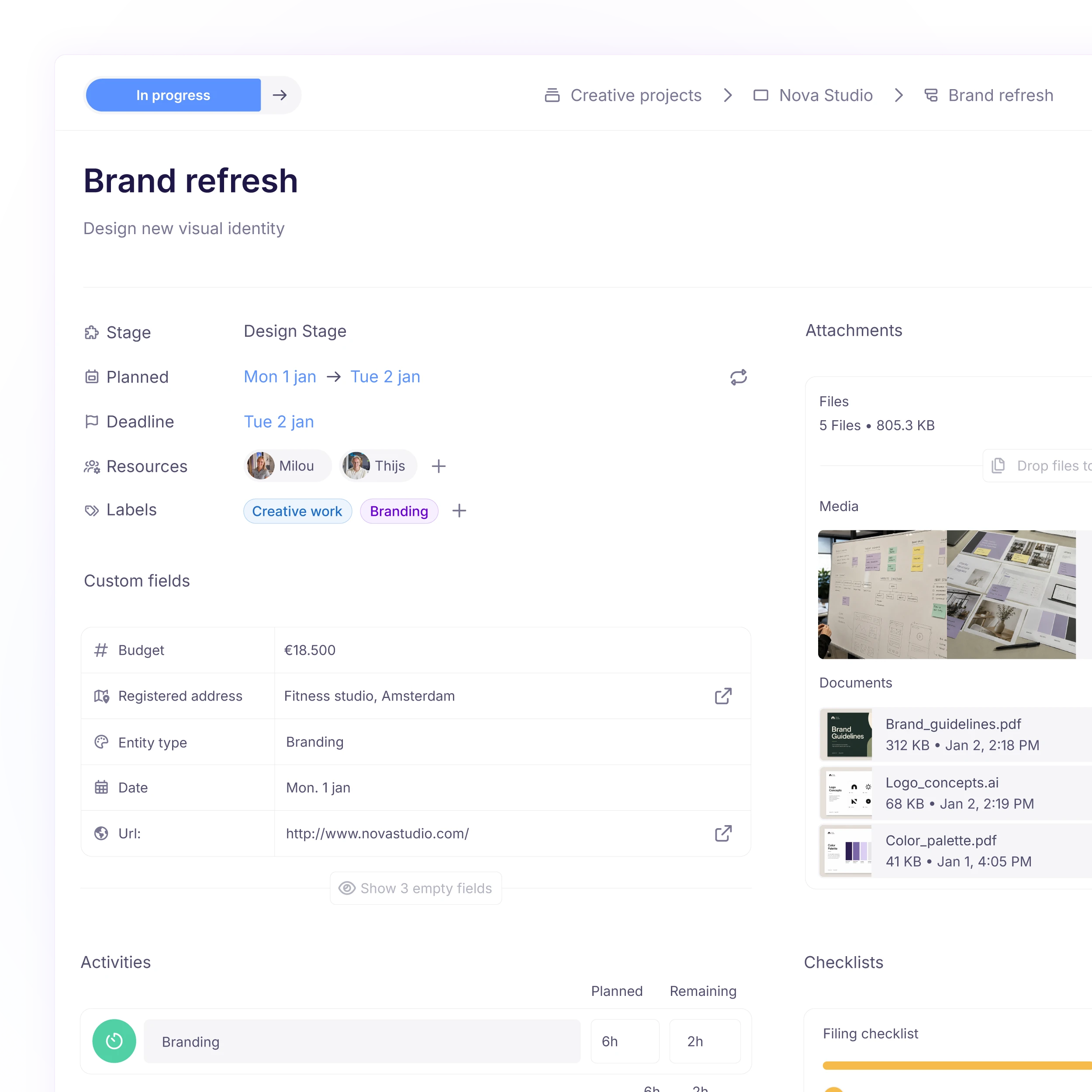
Work on clearly defined tasks, with all the information you need in one place. No scattered or to-do lists. Just focus on what you do best.
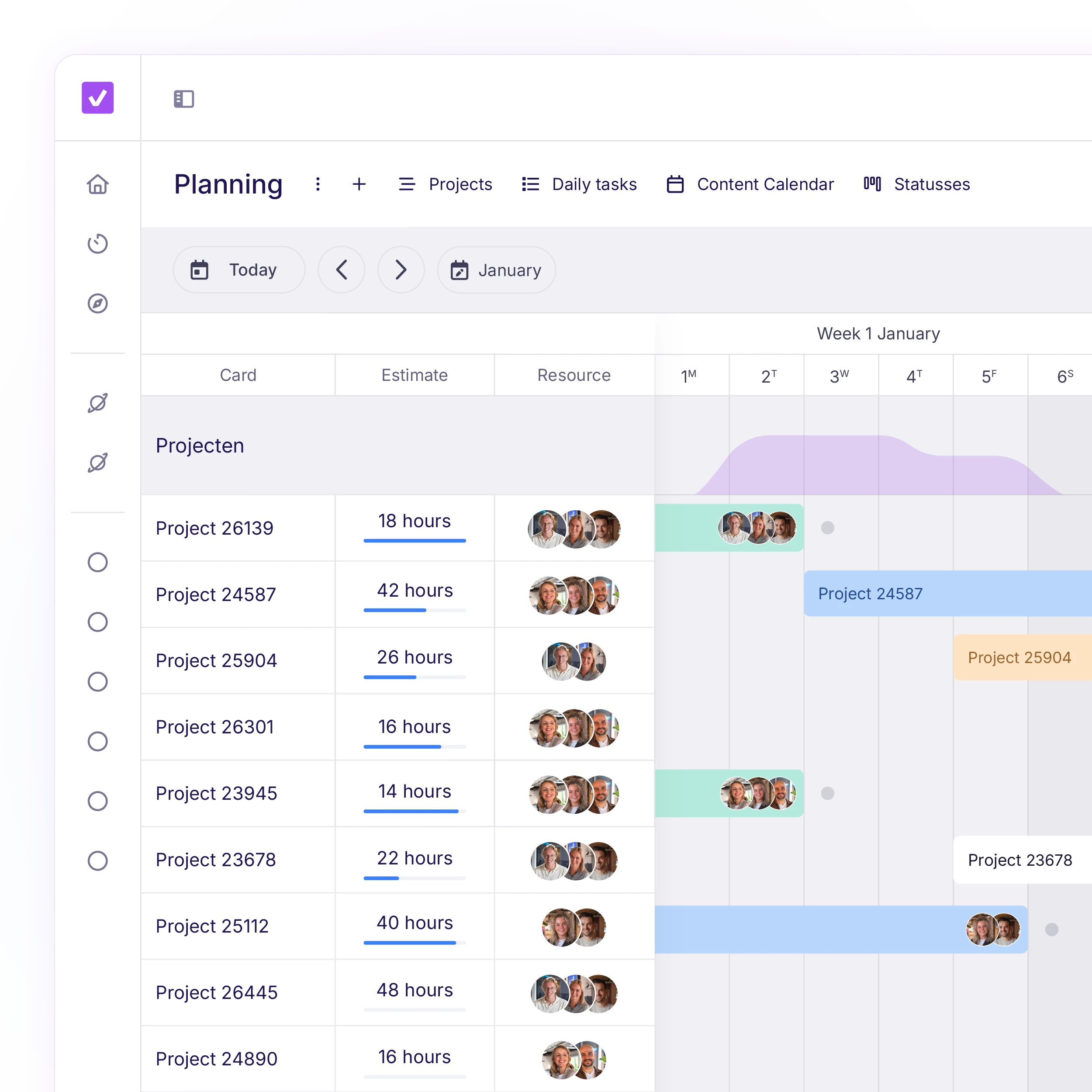
See in realtime what's in progress, what's stuck and what's been completed. Plan realistically and stay flexible when things change.
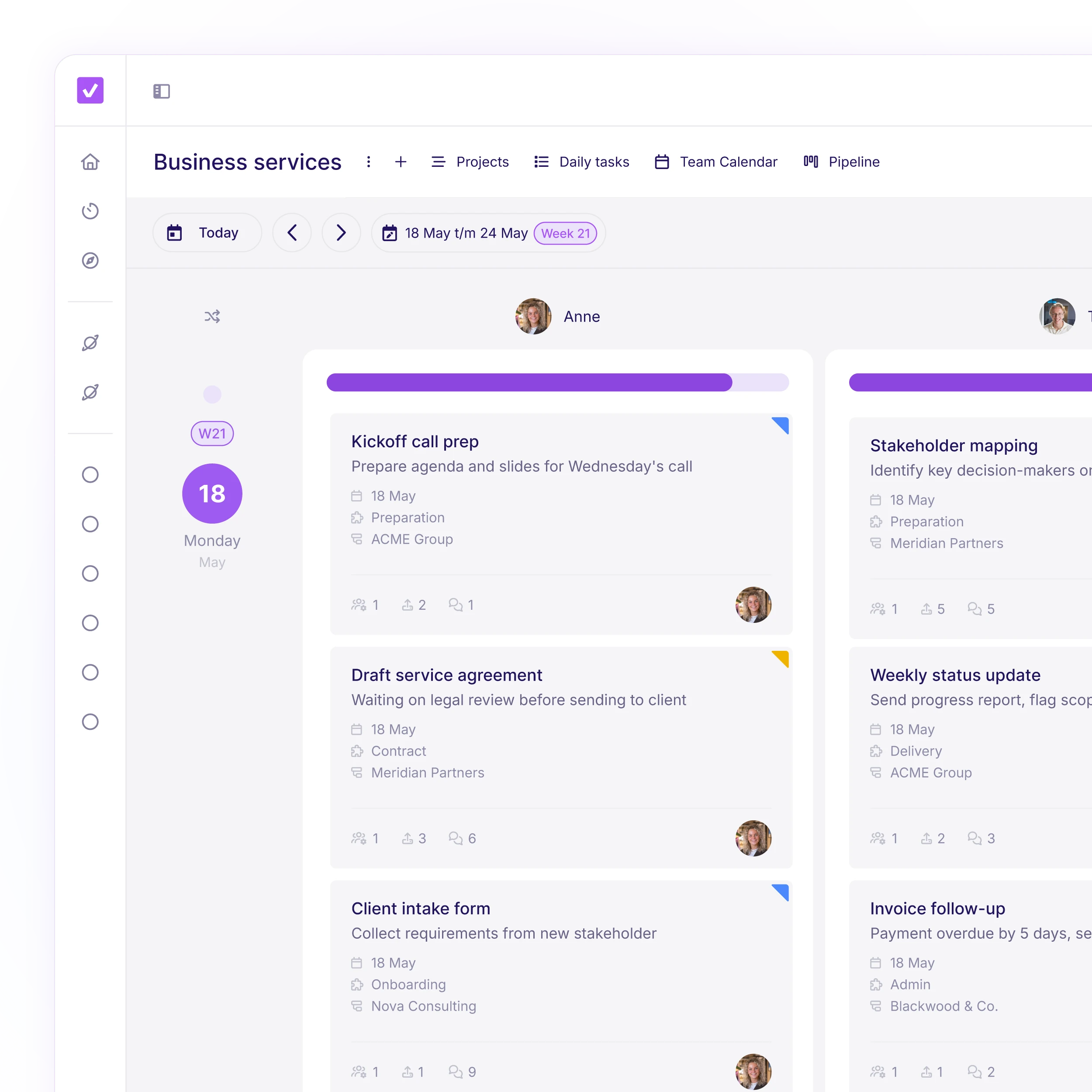
Know who's overloaded, which projects are slipping, and where there's capacity to take on more work. With smarter planning, you reduce wasted hours, deliver on time and ultimately increase your margins.
Planning that works doesn't have to be a challenge. With vPlan, you work smarter, not harder. From simple workflows to real-time collaboration.
Yes. You can structure your projects into clear stages, tasks and subtasks, such as briefing, design, feedback, development and delivery.
Absolutely. You can give clients or external partners access to their own projects, with limited permissions. This means they only see what's relevant to them.
You can add comments, checklists and attachments to each task. This keeps all feedback in one place, linked to the relevant task, so nothing get lost.
Yes. You can automate things like assigning tasks, starting follow-up tasks or sending deadline reminders. This saves time and helps prevent mistakes.
Yes. You can track hours per task or project, giving you a clear picture of how much time is being spent. Usefule for calculating actual costs or invoicing.