Build towards clarity and better collaboration

Clear oversight in property maintenance

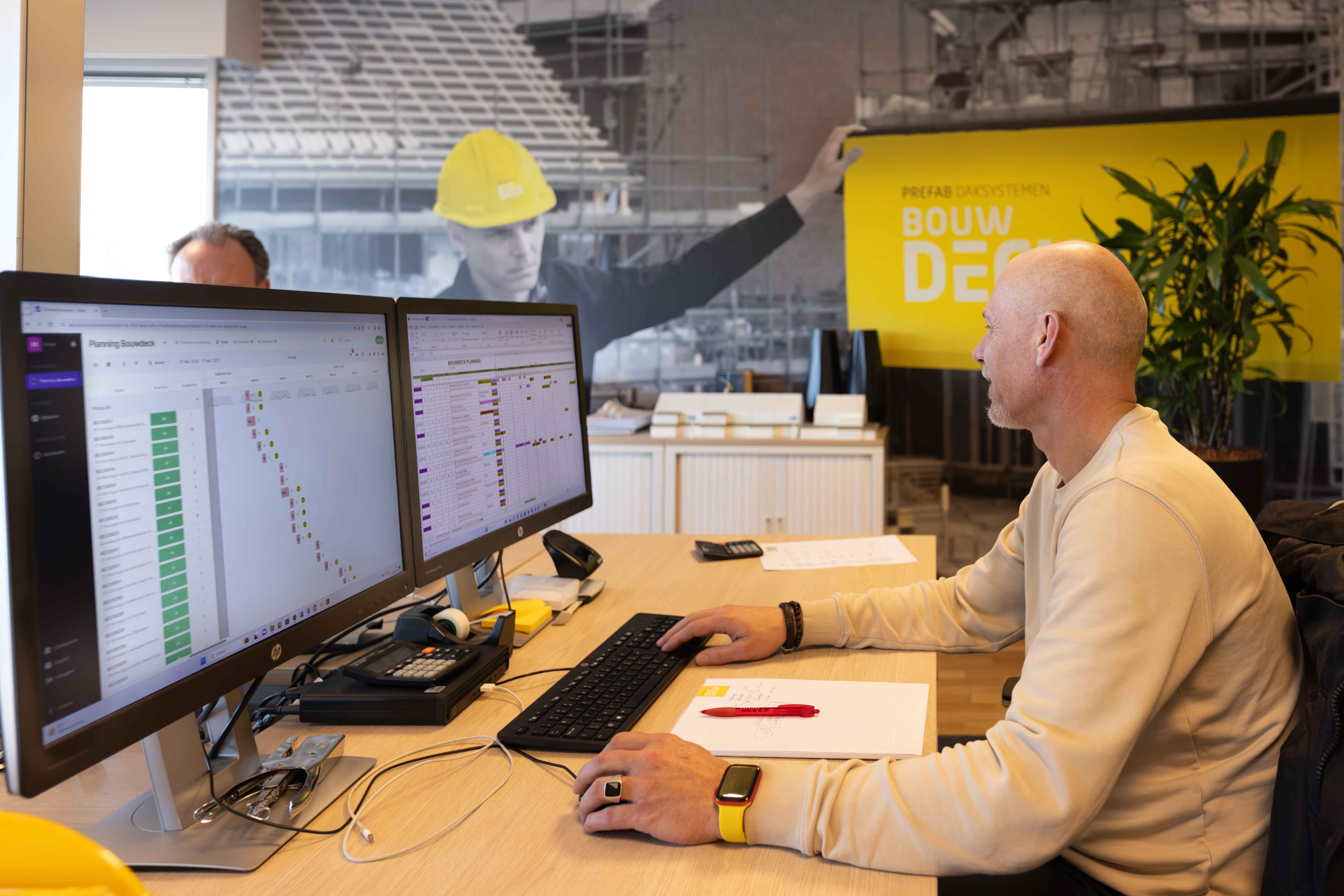
Do you still work with Excel, work order slips, or a physical board on the wall? Property maintenance requires tight planning, smart allocation of skilled workers, and the flexibility to adjust when weather or delays occur.

4.6/5
Trusted by 1.000+ customers

These companies are already using vPlan

One central planning for everyone

No more hassle with scattered files or bulletin boards. With vPlan, your entire team has access to one clear and central planning.
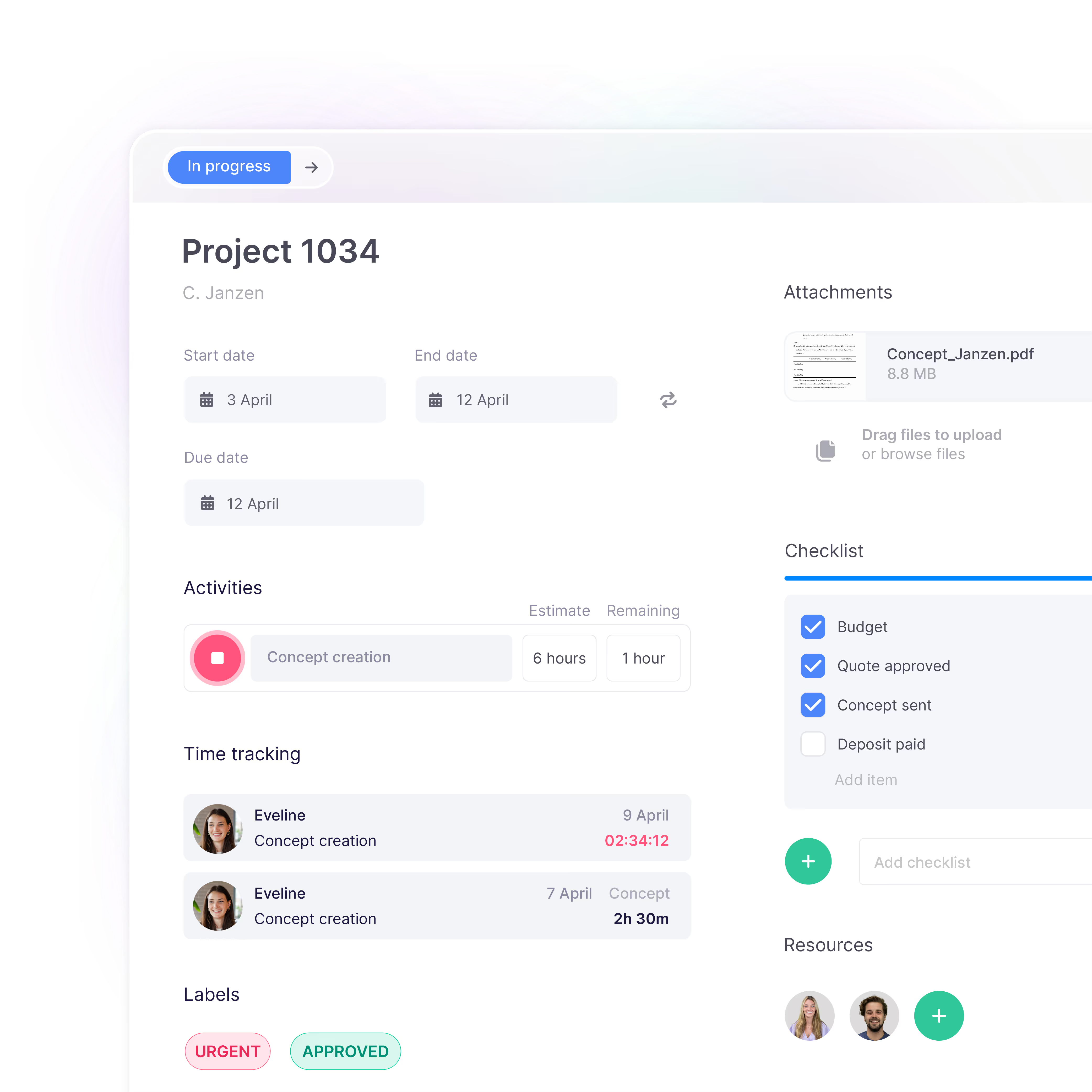
  • Insight into planning, dependencies, and deadlines
  • Distribute capacity across multiple planning boards
  • Role-based access: only see what’s relevant
  • Make changes easily and instantly see the impact

Control over capacity

See at a glance who is available and avoid double bookings or understaffing.

  • Capacity per employee or team instantly visible
  • Plan by skills or project stage
  • Overview by discipline: e.g. painting, carpentry, or glasswork
  • Search by company or work type within a single planning board

Plan smarter, perform better

Book a free consultation demo

See for yourself how vPlan helps you collaborate more efficiently, save time, and achieve better results. During the demo, you'll get practical insights and answers to your questions.

Teamleden van vPlan in overleg in een vergaderruimte, waarbij een collega een schermpresentatie geeft met uitleg over de planningsoftware.

Connect your existing software

Improve collaboration between planning and execution, and avoid miscommunication.
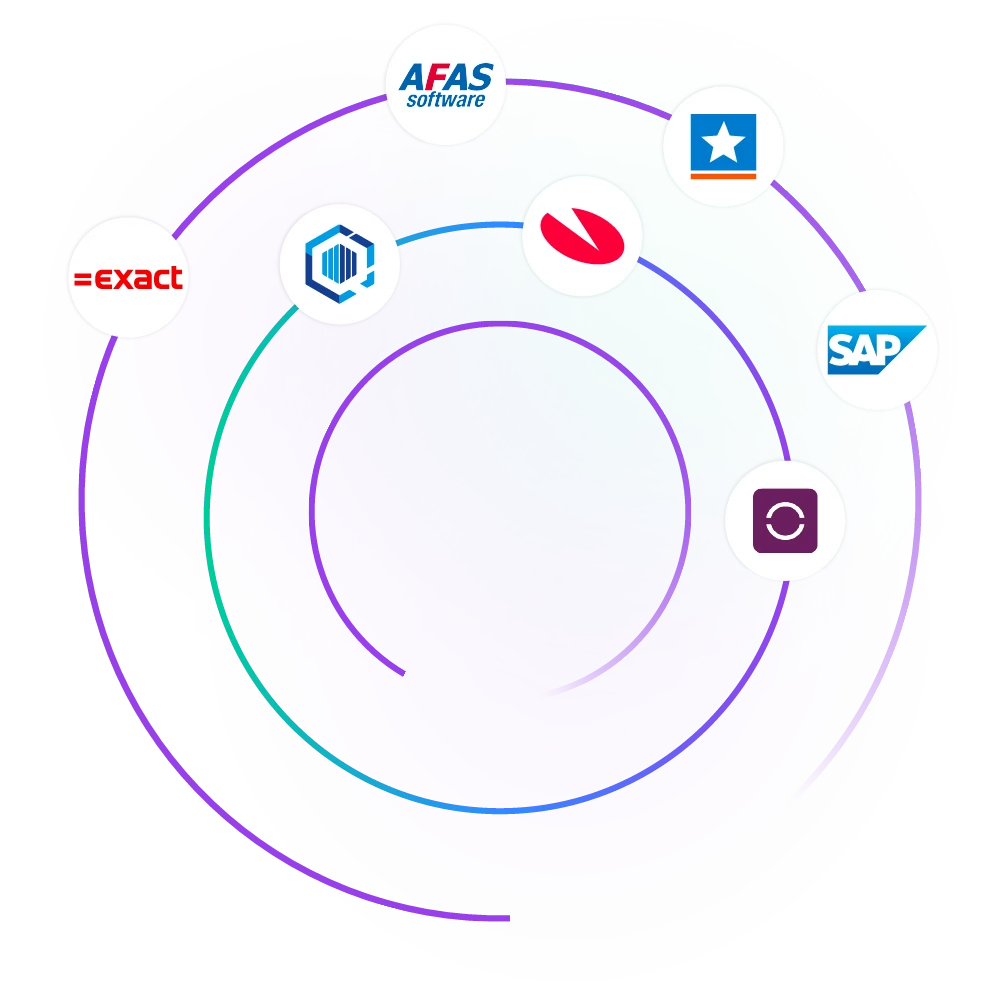
  • Integrations with AFAS, Gilde, and more
  • Automatically import schedules and leave
  • Project information instantly available in your planning
  • Send back time registrations and statuses with ease
Integraties met vPlan

Easily manage work orders

Easily update your work orders, change statuses, and keep your team informed with automatic notifications.

  • Record progress and hours directly in the app
  • Easily add photos and attachments
  • Sign off work and tick off checklists
  • Available everywhere, even on-site

Improve collaboration

Control over capacity

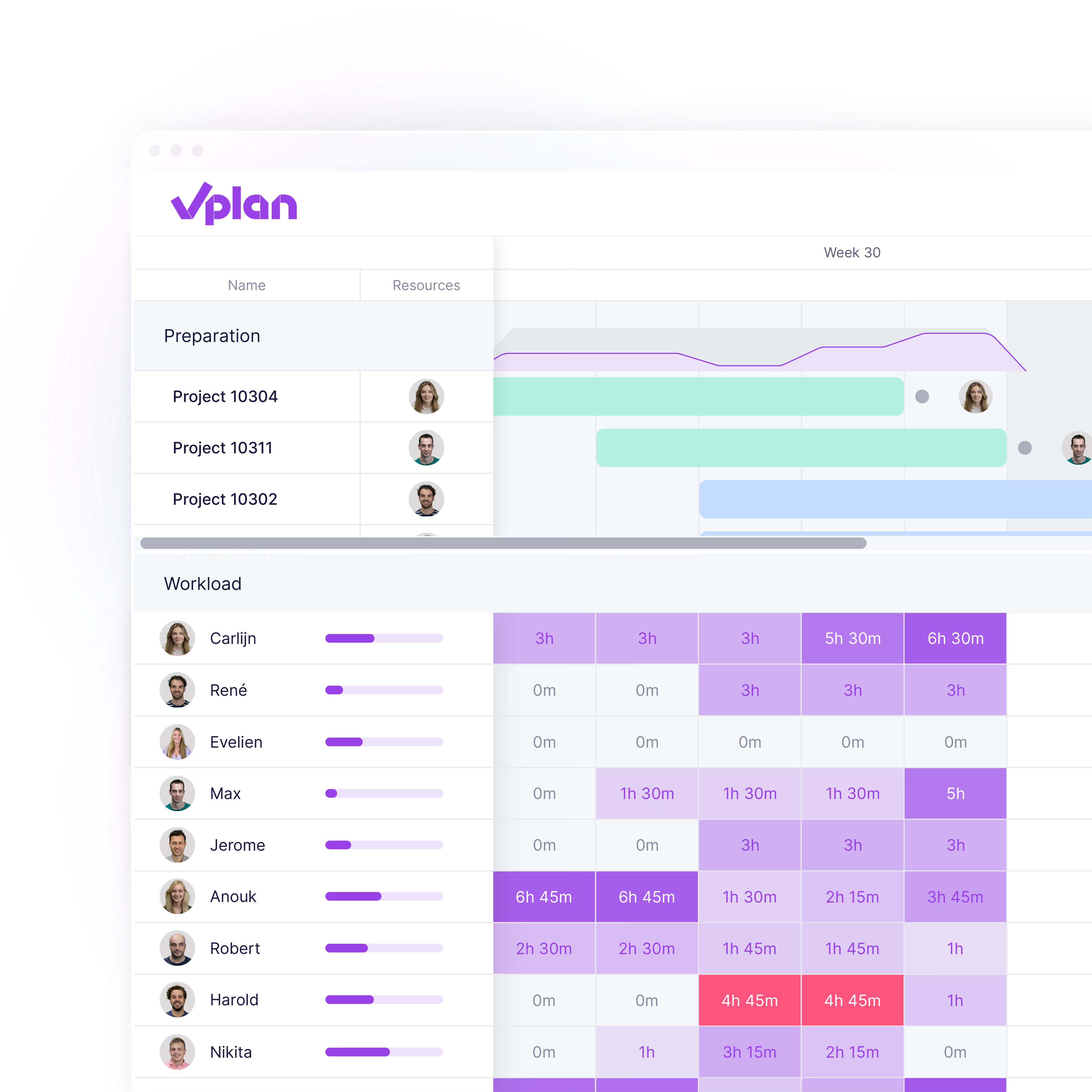
In property maintenance, it’s a constant challenge to assign the right professionals at the right time. With vPlan, you can instantly see who is available, easily plan by discipline or project stage, and avoid double bookings or gaps in your planning. This way, you stay in control and make the most of your available capacity.
  • list item 1
  • list item 2
  • list item 3
Discover more about capacity ->

Easily track your hours

Log hours per task with ease, compare planned hours with actual work done, and quickly approve or reject submitted hours. That way, you always stay in control.

  • list item 1
  • list item 2
  • list item 3
Discover more about time tracking ->

Record checks in forms

It’s also possible to add forms in collaboration with our partner forms. Adding quality checks, inspections, and delivery checklists.

  • list item 1
  • list item 2
  • list item 3
Discover more about forms ->

Documentation

Store all relevant information alongside your planning, in one central place. Add files, photos, checklists, or custom fields like addresses, customer numbers, or notes. So everything you need is always available at a glance.

  • list item 1
  • list item 2
  • list item 3
Discover more about documentation ->

What customers say

“We couldn’t have grown this quickly without vPlan.”

Discover how Smits Vastgoedzorg efficiently schedules over 80 chain partners using vPlan. Thanks to automation, they save time, keep track of progress, and communicate more smoothly with partners than ever before.

“Our planning is more flexible and clearer than ever with vPlan!”

Find out how Bouwdeck uses digital forms in vPlan to reduce errors, save time, and improve team communication.

“With vPlan, our technicians are always up to date and better prepared.”

Discover how Multi Protect works more efficiently with vPlan: planning and execution are always accessible via the app, with user-friendly routes and clear communication between office and field.

"We can see where we stand at a glance."

Read how Michael at Sempergreen not only saves time with vPlan, but also gains more overview and reduces paper use.

"More room for creativity, less hassle in Excel"

Read how 1609Bold uses vPlan to plan flexibly, work more efficiently, and make time for creative thinking.

“vPlan connects our departments and the entire operation”

Read how Brunink Group saves hours each week with vPlan, brought more calm to the organisation, and gained full visibility across all departments.

“With vPlan, we finally have control over our projects”

At KNHS, all project information is now in one central place, accessible to everyone. No more scattered Excel files or separate documents.

Frequently asked questions

How can I get a complete overview of my projects?

With vPlan, you manage all your projects, team members, and project stages in one central planning tool. Easily filter by project, stage, or type of work (such as painting, carpentry, or glazing) to gain more control and clarity. Thanks to visual overviews, you can instantly see progress and resource utilisation, giving you a complete overview at all times.

How does access work for site managers, subcontractors, and painters?

In vPlan, you decide who sees what. Site managers and subcontractors, for example, only get access to relevant projects or tasks. Painters see only their own work. Project managers and planners have full visibility. With roles and permissions, you stay in control and avoid confusion or disruption on the work floor.

Can vPlan be integrated with our system?

Yes, vPlan can be connected to software packages like Exact, AFAS, and Gilde through our integration partners. Thanks to our open API, we can seamlessly integrate with various platforms. This allows data to be automatically retrieved and sent, eliminating manual work and duplicate entry.

How does vPlan work on mobile devices or on-site?

In addition to the desktop version, you can use vPlan via the app on your phone or iPad. Team members can easily view their schedules, track progress, and communicate with each other. When changes occur, you can instantly send notifications, keeping the entire team up to date without endless phone calls or emails.

Discover more about the app ->