


Coming soon! vPlan AI - Driven by people -> Discover more
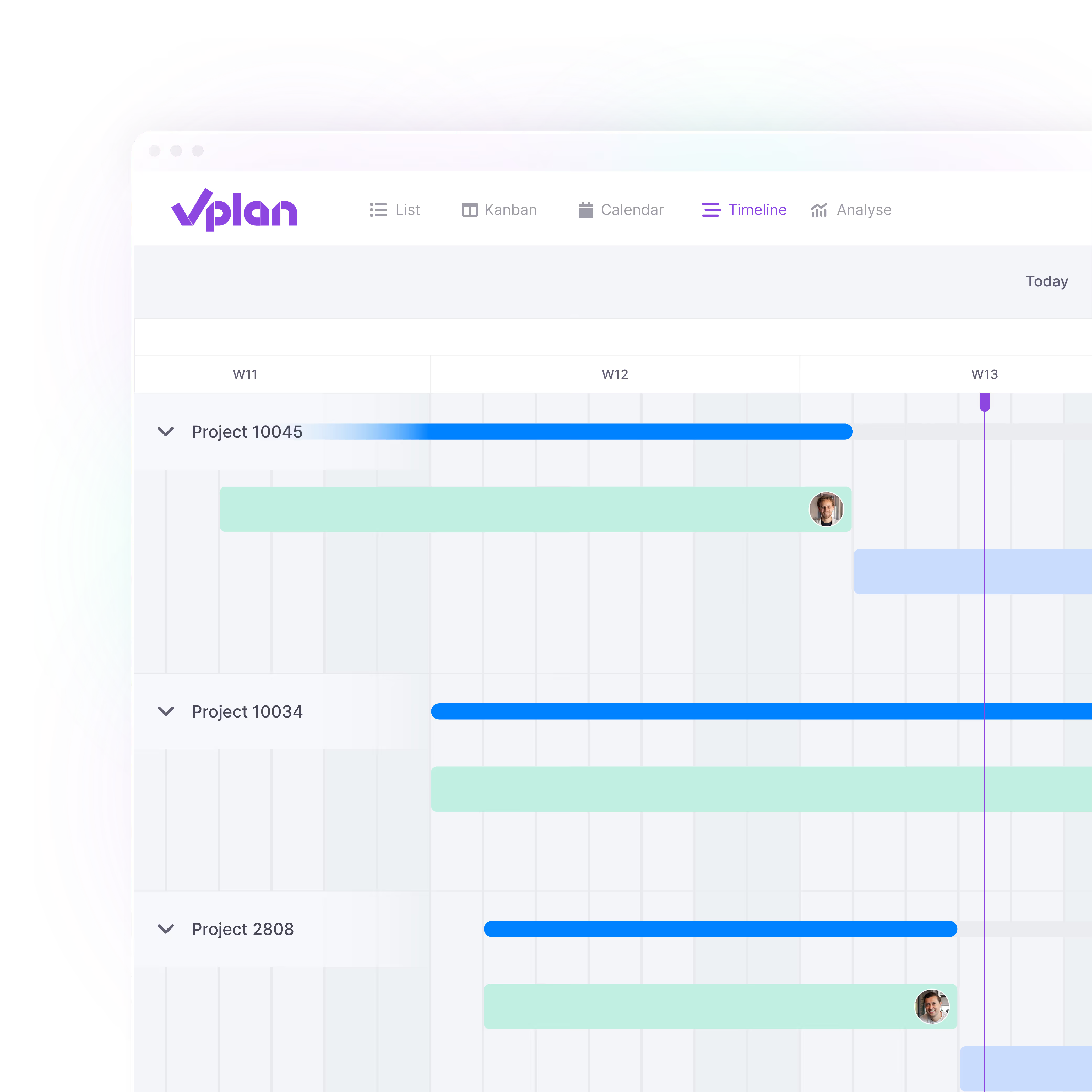
Whether you organise individual training sessions or develop full training programmes, planning can quickly become a challenge. Training projects often consist of multiple stages, from preparation and development to implementation and evaluation. Each stage requires different people, skills, and deadlines. With vPlan, you bring all these elements together in one central, visual schedule.


.svg)


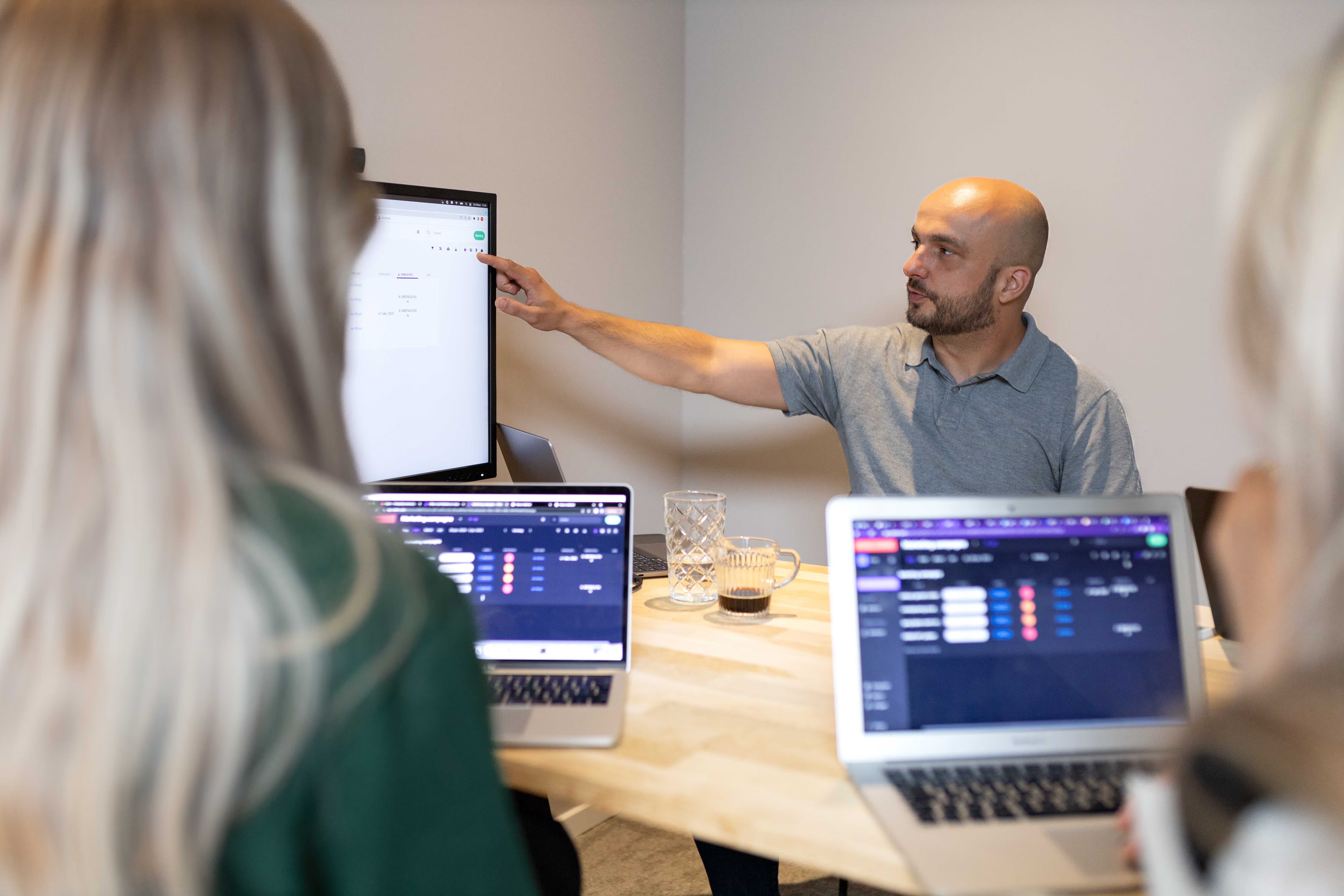
Whether you're working on one course or dozens at the same time, with vPlan, you can see where you are at a glance. Every project, every team member, every deadline. No more separate documents or systems, but one central place where you can see exactly what's going on and what's coming up.
With vPlan, you can see at a glance how much space your team has. Whether you work with trainers, developers or project leaders, you want to know exactly who is available and when.
Ideal for teams working across different disciplines and specific competencies: this way you can plan realistically and prevent bottlenecks in your planning.

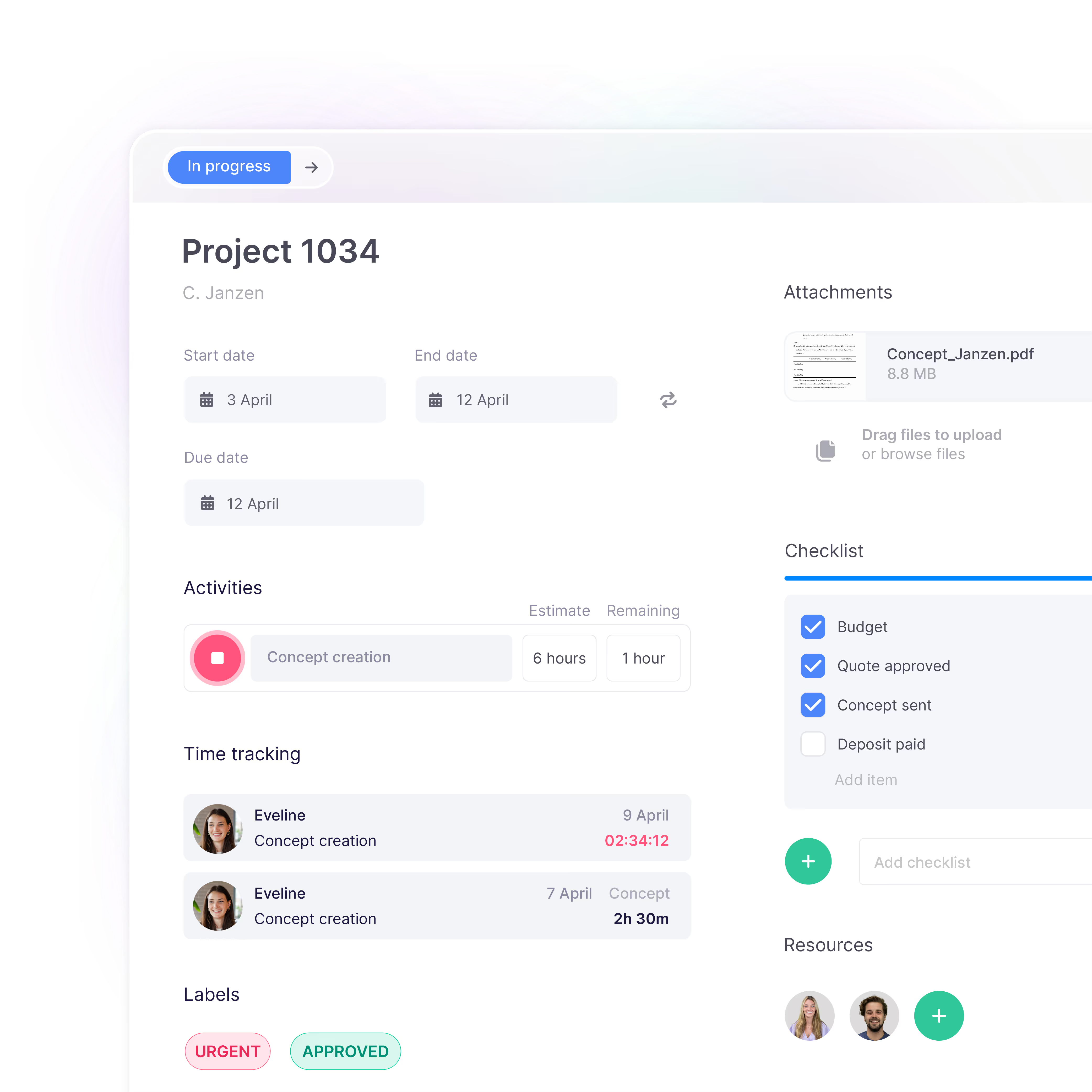
No more surprises just before the deadline. With vPlan, you can effortlessly monitor the progress of every project and task.
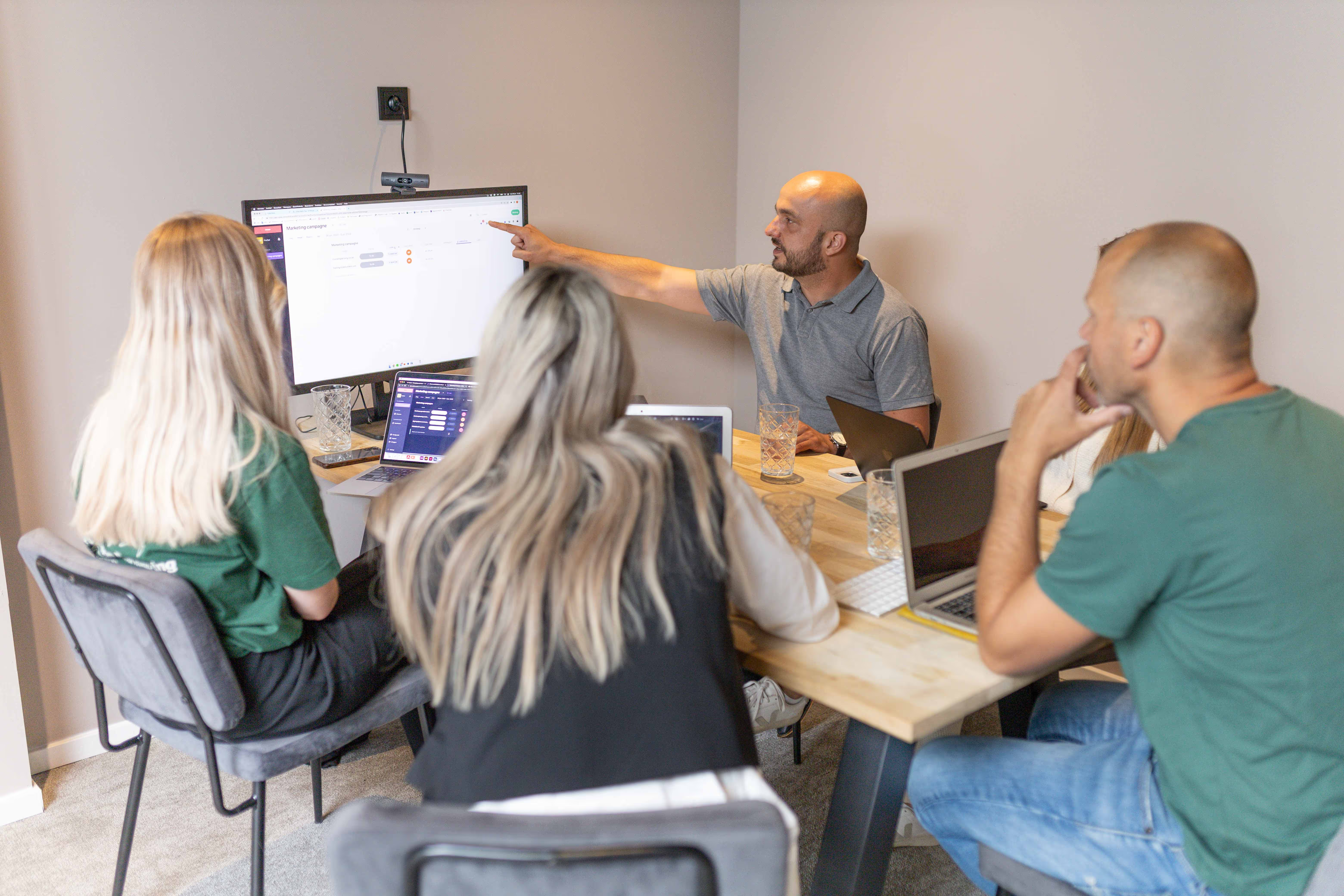
Whether it's marketing, e-commerce, events or technical service, you can also easily plan these processes in vPlan. This way, you create an overview, streamline collaboration and work organisation-wide from one central planning.

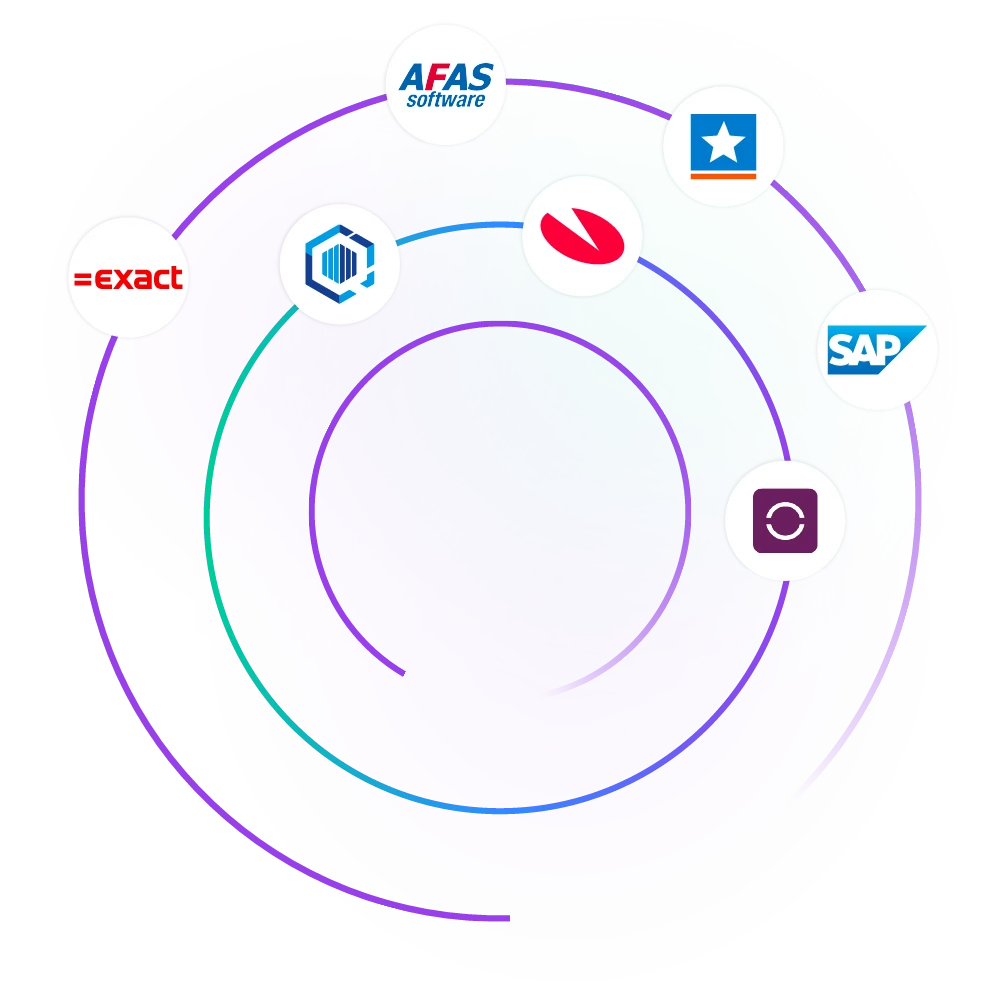
Through links to your ERP system, such as AFAS or Exact, budgeted hours, roles and availabilities are automatically taken over. This way, you can plan immediately with the right people and prevent overloading or double bookings.
Good planning doesn't have to be a challenge. With vPlan, you work smarter, not harder. From simple workflows to real-time collaboration.
Respond directly on tasks, use @mentions, and keep all communication in one place. No more scattered chats or emails.

Log hours worked per task or project and approve them with ease. This way, you stay in control of time and effort.

Get in-depth insight into the availability of your people. Plan ahead for each employee, team or discipline and prevent overload. See at a glance who has space now and next week.

Developing a training programme often involves multiple stages, such as preparation, research, implementation, and sprint stages.
With vPlan, you can clearly visualise these stages and define task dependencies. This gives you better insight into your progress and makes it easier to stay in control.

With vPlan's capacity planning, you get real-time insight into the workload and available capacity of each team and team member. This enables you to identify bottlenecks early, distribute work fairly, and prevent overload. It helps you steer proactively and keep your planning realistic.
Yes, definitely. When planning training sessions, you can easily take into account availability, location, and the required skills of your trainers. This ensures the most suitable trainer is always assigned, improving the quality of the training and preventing miscommunication.
Yes, it does. vPlan is not only suitable for planning training and development, but also for supporting departments such as Marketing, Communication and e-commerce. You can plan all activities such as promotional campaigns or content production within the overall planning so that all departments stay aligned and work together smoothly.
Yes. With our Open API, you can integrate vPlan with your existing software and ERP systems such as AFAS, Exact and many other tools. Data such as budgeted hours, rotas and HR information is automatically synchronised. This ensures that you always work with up-to-date information, avoid duplicate work and maintain one central source of truth.
Discover more about integrations ->Yes. vPlan includes built-in time registration. Employees can easily record their worked hours for specific tasks or projects. You can then compare these hours with the originally planned hours, approve them and analyse the results so that you stay in control of both progress and budget.
Discover more about time tracking ->Yes. vPlan is fully accessible on both desktop and mobile devices. With the mobile app, you and your team always have real-time insight into the planning whether you are in the office, on the road or on-site. This is ideal for trainers on-site or teams that need to work flexibly.