
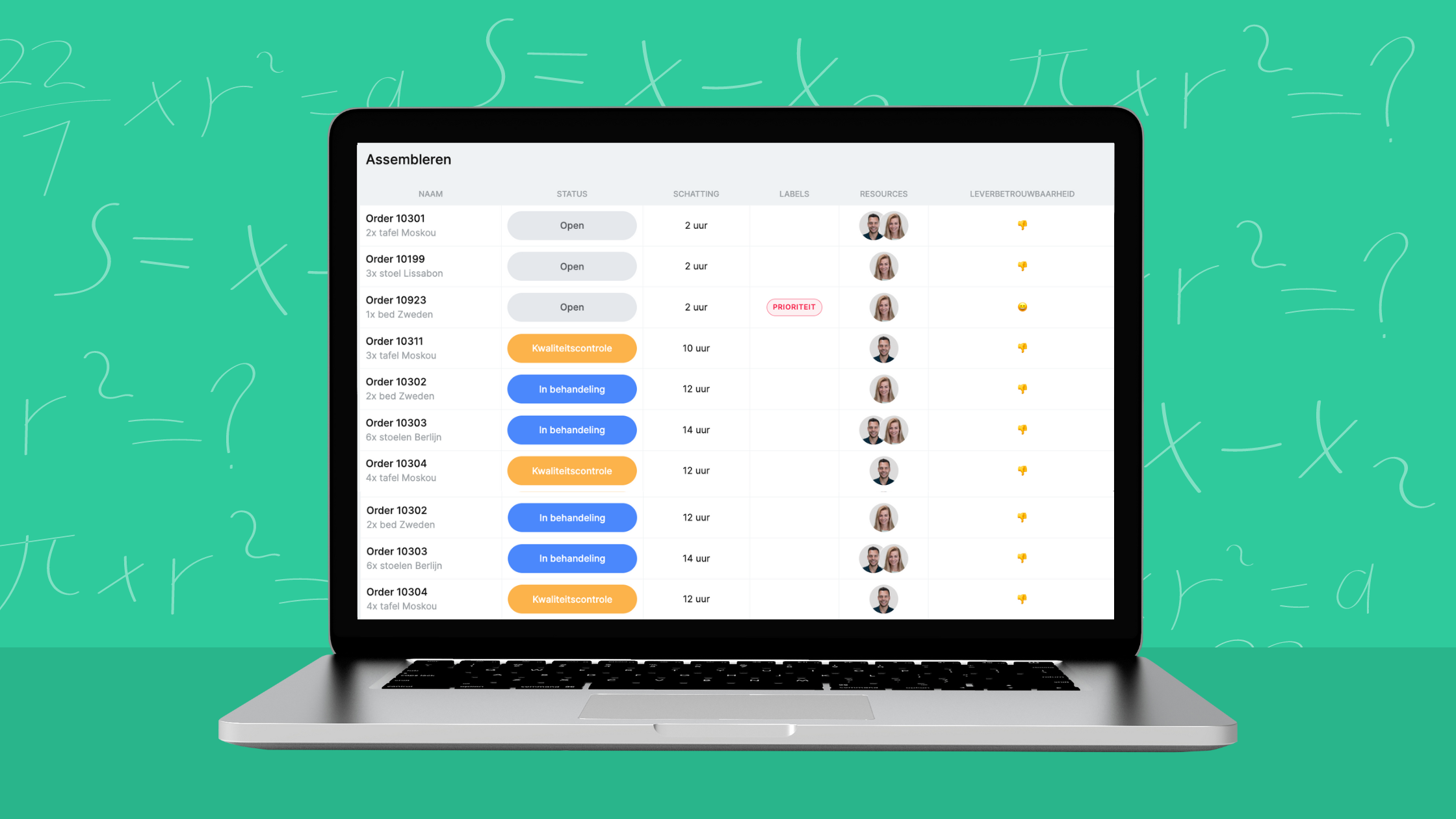
How to Use Smart Excel Formulas in vPlan!
Psst, did you know that in vPlan, you can use many smart formulas in the list view? This allows you to easily make calculations between different fields. With this feature, you can make your planning much more organized and reduce the need to remember multiple things. You can decide which elements are important for you to see at a glance. In this blog, you'll learn how to set up formulas and discover the three most commonly used formulas at the moment!
Jeroen - 6 juli 2023 - 4 min

Written by:
Jeroen
Jeroen Mensink is the co-founder of vPlan and has been involved in the platform’s development from day one. With many years of experience in the software industry and a strong background in HR tooling, Jeroen saw firsthand where things often go wrong: the lack of overview and insight into capacity. Driven by this challenge, he dove into the question of how companies can plan more intelligently and streamline their processes more effectively. With his technical expertise, analytical skills, and practical mindset, he has helped shape vPlan into the powerful and user-friendly planning platform it is today.